Qu'est-ce que l'analyse numérique ? Un guide simple pour comprendre les données, les mesures et les informations.
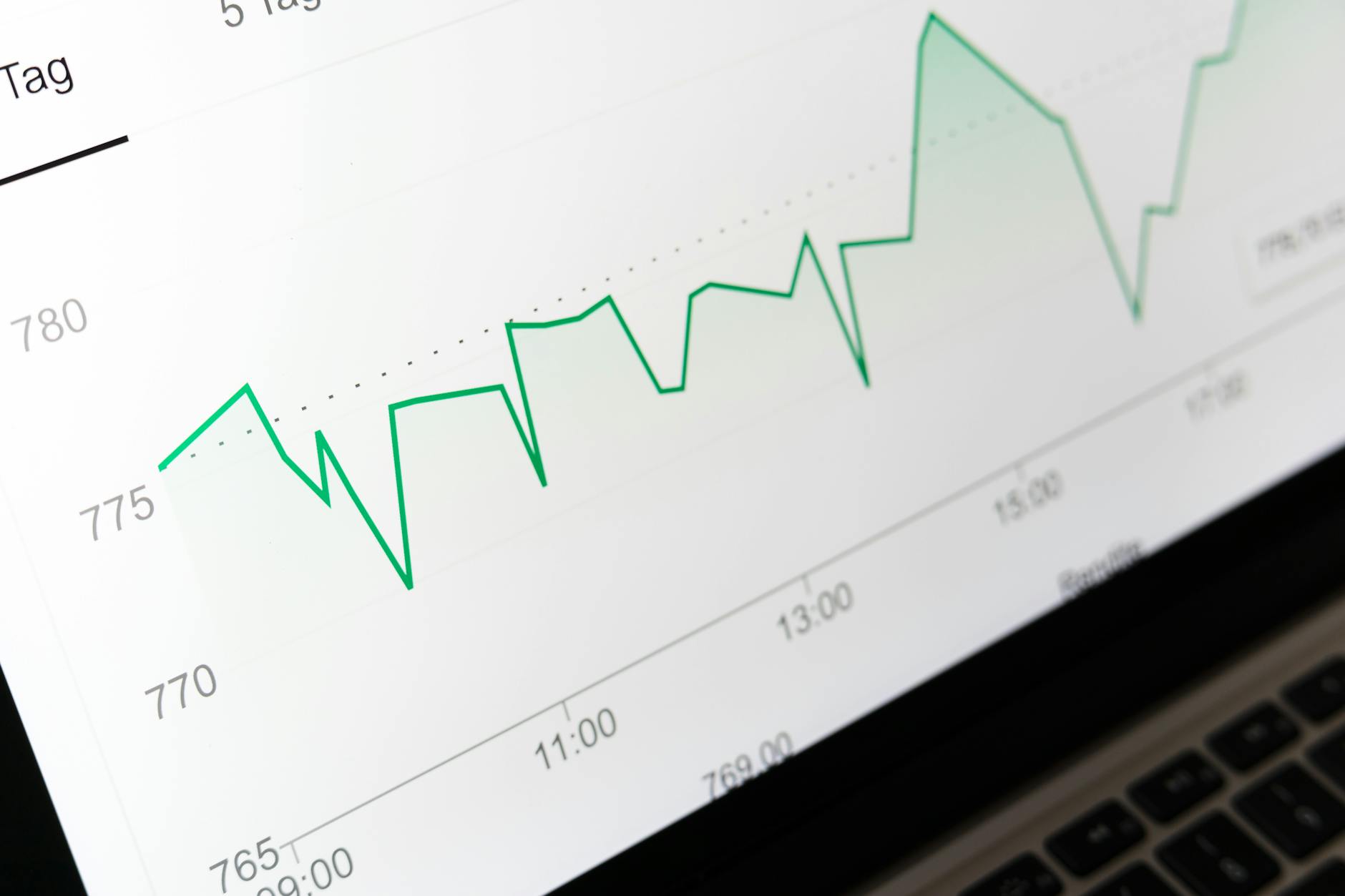
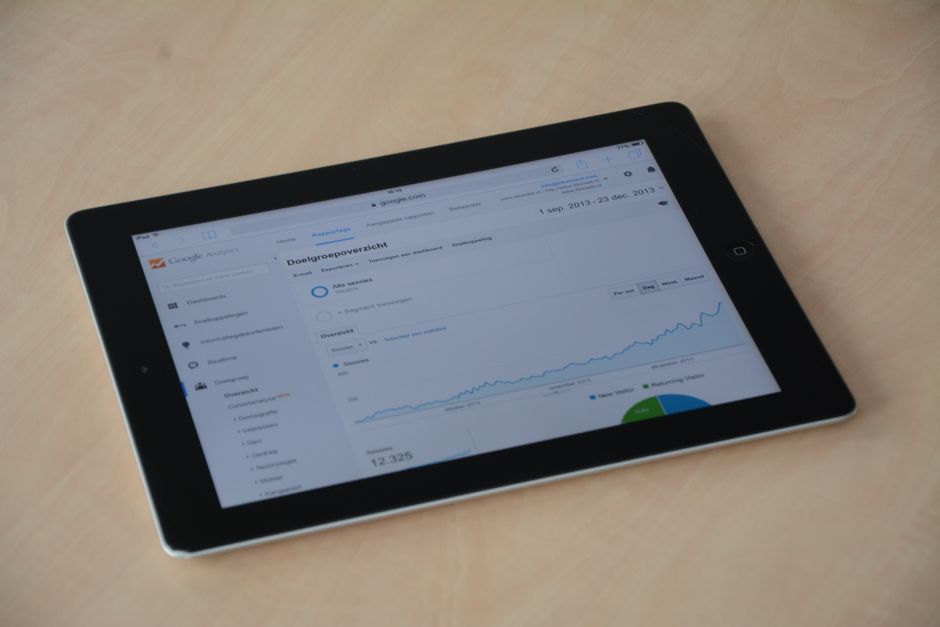
Définissez un objectif clair et suivez une métrique principale pour évaluer les progrès de cette semaine. Pour tous ceux qui développent des logiciels avec un modèle freemium, cette concentration permet de prendre des décisions pratiques et rapides.
L'analyse numérique collecte des données à partir des pages que vous hébergez et à partir des replays des sessions utilisateur. Elle vous aide à comprendre les audiences sur tous les appareils et canaux, afin que vous puissiez adapter les messages spécifiquement à des groupes et à certains besoins. Ce travail transforme les chiffres bruts en bonnes décisions qui influencent votre parc d'actifs et votre stratégie de croissance. Les experts s'appuient sur des données propres pour définir des objectifs de référence réalisables et des étapes d'optimisation pratiques.
Commencez avec deux métriques : le taux de conversion visiteur-inscription et le taux d'activation sur les pages principales. Utilisez le suivi des événements et les entonnoirs pour mesurer les objectifs. Si vos pages de destination affichent un taux d'inscription de 2,5 % et que vous effectuez un petit test A/B qui le porte à 3,0 %, vous obtenez une amélioration relative d'environ 20 % ; documentez cela comme une bonne victoire. Conservez un journal des replays et des segments d'audiences pour comprendre comment les utilisateurs se comportent, et liez les modifications à une stratégie visant à augmenter la rétention. Cette approche vous permet d'agir en quelques semaines, et non en quelques trimestres, et elle développe des навыки en matière de littératie des données.
Pour que cela reste pratique, utilisez les pages et les replays comme sources de données de base, ajoutez une bonne segmentation des audiences et maintenez un parc minimal de tableaux de bord avec une propriété claire. Définissez une stratégie simple pour partager les apprentissages avec les audiences à travers les équipes, du produit au marketing, et planifiez des examens réguliers pour ajuster votre plan d'optimisation en conséquence. Choisissez des outils qui offrent à la fois des niveaux gratuits et freemium pour prouver leur valeur avant de passer à l'échelle, et documentez ce qui fonctionne pour tous afin que les nouveaux coéquipiers puissent contribuer rapidement.
Enfin, considérez l'analyse comme une partie vivante de votre travail, en construisant une culture où les données éclairent les objectifs et les décisions. Le résultat est un cycle répétable et bon qui évolue avec vos audiences et votre produit, maintient votre parc en bonne santé et s'aligne sur votre stratégie de croissance.
Analyse numérique : Concepts fondamentaux et dépannage pratique des frictions
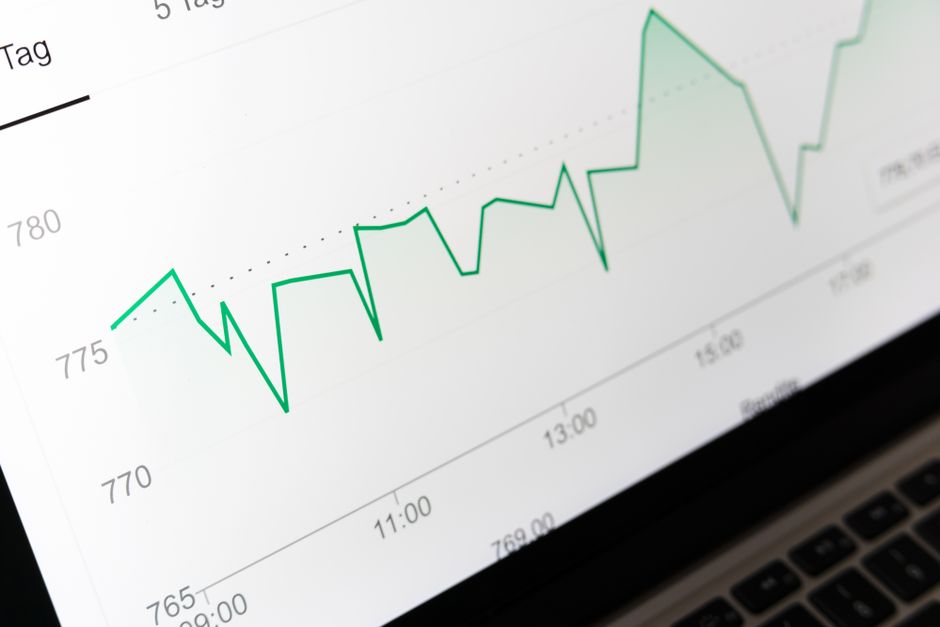
Identifiez trois événements fondamentaux liés à un impact clair, puis créez un tableau de bord simple pour les surveiller chaque semaine et tirer des leçons des données.
L'analyse numérique repose sur des concepts fondamentaux : les événements, les comportements et l'impact des interactions. Suivez les données de visite, les interactions sur les pages et les étapes de conversion, organisées en niveaux qui soutiennent la gestion et une analyse plus approfondie. Plus précisément, associez les événements aux objectifs de l'utilisateur et suivez comment chaque point de contact entraîne des résultats ; cela permet une prise de décision claire et une pratique continue, et non des conjectures. L'automatisation gère les agrégations de routine, tandis que les contrôles manuels vérifient l'exactitude. En fait, akkio peut aider à automatiser la découverte de schémas à travers les capacités et les sources de données, y compris les signaux cross-source, transformant les événements bruts en informations exploitables.
Étapes de dépannage des frictions que vous pouvez appliquer aujourd'hui : Tout d'abord, identifiez les lacunes dans les données en vérifiant le balisage, la couche de données et les conventions d'attribution de noms pour les événements et les propriétés. Ensuite, validez avec une visite de test en direct pour confirmer que les événements se déclenchent en temps réel et que les nombres de visites correspondent aux chemins de page. Ensuite, examinez les paramètres du flux de données : fuseau horaire, devise et niveau d'échantillonnage, en garantissant des fenêtres d'attribution cohérentes entre les propriétés. Si les lacunes persistent, mettez en œuvre une solution de repli comme le balisage côté serveur ou une source unique de vérité pour les définitions d'événements. Pour les grands sites, créez des niveaux de tableaux de bord : événements de haute priorité pour les cadres, comportements de niveau intermédiaire pour les équipes de produits et nuances de niveau inférieur pour les analystes. Les lacunes dans les données apparaissent souvent, alors commencez par des vérifications de balisage et des validations simples. Utilisez l'automatisation pour faire remonter les anomalies et incluez des contrôles essentiels pour l'exactitude afin d'éviter les faux positifs. Enfin, exploitez akkio pour automatiser la détection des anomalies et faire remonter les corrélations entre les visites et les conversions, en particulier pour les comportements cross-canal.
En pratique, planifiez des gains rapides : choisissez une seule décision à influencer et mesurez son impact dans les deux sprints suivants. Créez un tableau de bord prêt à l'emploi avec 5 à 7 métriques : nombre de visites, utilisateurs uniques, événements par visite, taux de conversion et temps de conversion. Cartographiez les chemins d'utilisateur les plus courants et identifiez où les abandons se produisent pour révéler les comportements réels qui entraînent un impact. Lors de la présentation des informations, préférez les résumés basés sur les données avec des chiffres concrets plutôt que des déclarations génériques, et incorporez des instantanés basés sur des citations lorsque les parties prenantes demandent un contexte narratif. Cette approche est plus efficace que l'analyse ad hoc.
Enfin, intégrez la pratique dans les routines de gestion : planifiez un examen mensuel, attribuez des propriétaires et documentez les changements dans un journal partagé. Utilisez l'automatisation pour l'actualisation des données et les alertes, mais maintenez une surveillance humaine pour les décisions critiques. Cette approche met à l'échelle l'analyse à travers les niveaux - plutôt que de créer des frais généraux - et maintient l'accent sur les résultats tangibles.
Définir les métriques clés alignées sur les objectifs commerciaux
Associez chaque objectif commercial à 2 à 4 métriques fondamentales et créez des tableaux de bord autour d'eux, puis établissez une cadence pour examiner les données collectées quotidiennement et ajuster les actions en conséquence.
Choisissez des métriques qui sont mesurables, exploitables et liées aux résultats. Définissez une gouvernance qui clarifie qui collecte quoi, qui valide les données et qui agit sur les informations. Un cadre robuste comprend un digital-аналитик, des propriétaires de données et des experts interfonctionnels.
- Performance financière : chiffre d'affaires facturé, croissance du chiffre d'affaires, marge brute, valeur à vie du client (LTV) et coût d'acquisition (CAC).
- Engagement et contenu : sessions, pages par visite, temps passé sur la page, taux de rebond, heatmaps et taux de réponse aux messages.
- Conversion et valeur : taux d'achèvement de l'entonnoir, taux de soumission du formulaire, valeur moyenne de la commande et taux de désabonnement.
- Commentaires et recherche des clients : satisfaction sondée, Net Promoter Score (NPS) des clients sondés, questions suivies et lacunes de contenu identifiées.
- Gouvernance et qualité des données : score de qualité des données, latence, ce qui est collecté à chaque point de contact, lignée des données collectées et propriété attribuée aux experts.
Définissez ce qui collecte les données à chaque point de contact pour garantir la traçabilité, puis mesurez la hausse ou la baisse des métriques clés au fil du temps. Utilisez например, des heatmaps pour visualiser l'interaction avec le contenu et ajuster le contenu et les messages en conséquence, produisant des informations plus claires pour les équipes.
- Documentez les objectifs et associez-les aux métriques, en vous alignant sur les unités commerciales et les parties prenantes.
- Spécifiez les sources de données, les formules et la propriété ; assurez-vous que les données collectées sont complètes et fiables.
- Créez des tableaux de bord qui affichent les métriques de chaque objectif, avec des visuels qui mettent en évidence les tendances et les valeurs aberrantes.
- Instituez la gouvernance : attribuez des propriétaires, définissez la cadence d'actualisation des données et impliquez des experts et le digital-аналитик pour maintenir la fiabilité.
- Sondez les parties prenantes pour faire remonter les questions auxquelles vous devriez répondre ; incorporez leurs commentaires pour affiner les métriques et les tableaux de bord.
- Surveillez la performance : surveillez une hausse de la valeur et une tendance à la baisse des signaux de risque ; ajustez le contenu et les messages pour améliorer les résultats, puis itérez davantage.
Cette approche permet de donner un sens aux tableaux de bord qui sont robustes et axés sur l'action, permettant aux équipes de travailler plus efficacement et de produire des améliorations ciblées dans le contenu, la messagerie et la valeur client.
Cartographier la collecte de données : Événements, sessions et attributs utilisateur
Commencez par une carte des données : énumérez les événements, les sessions et les attributs utilisateur que vous collecterez, puis comparez-les à vos objectifs pour montrer quelles données créent de la valeur. Créez une carte page par page qui relie chaque point de données à une décision ou une métrique.
Événements : créez une taxonomie légère - catégorie, action, étiquette et horodatage ; étiquetez chaque événement avec la page ou le composant sur lequel il s'est produit. Les exemples incluent например search_query, button_click, form_submit et video_play. Suivez en temps réel pour faire remonter les problèmes rapidement et pour montrer comment les interactions de l'utilisateur se traduisent en résultats.
Sessions : regroupez les événements par user_id en sessions ; enregistrez session_start, session_end et la durée ; définissez une limite de session avec des seuils d'inactivité. Surveillez les tendances d'engagement, en particulier lorsque l'activité diminue, pour identifier les points de friction sur certaines pages. Étiquetez les sessions de grande valeur par des actions clés comme les achats, les inscriptions ou les déclencheurs de personnalisation.
Attributs utilisateur : collectez user_id haché, device_type, operating_system, location, language et les signaux d'intérêt. Utilisez ces attributs pour diriger la personnalisation et la segmentation, et pour affiner la diffusion de contenu à travers les pages. Incorporez des entrées qualitatives provenant d'entretiens pour ajouter du contexte, car les entretiens révèlent des motivations que les chiffres seuls peuvent manquer. Cela aide à connecter ce que les gens disent avec ce qu'ils font.
Qualité, gouvernance et utilisation : assurez-vous que les données collectées restent cohérentes entre les plateformes ; validez les valeurs, comblez les lacunes et attribuez un score de confiance. Respectez le consentement et la confidentialité, stockez les données en toute sécurité et documentez ce que vous collectez et pourquoi. Делать les mises à jour de la carte à une cadence régulière la maintient alignée sur les changements de produit, et un chemin de recherche clair vous aide à répondre à ce qu'il faut suivre ensuite. De plus, partagez un rapport concis qui montre comment les données soutiennent la personnalisation, de meilleurs résultats de recherche et une valeur mesurable pour les parties prenantes.
Détecter les points de friction dans le parcours de l'utilisateur (abandons, erreurs, retards)
Tracez le flux utilisateur complet sur tous les appareils, attribuez un score de friction à chaque étape et corrigez les cinq principaux abandons dans les deux sprints suivants pour augmenter les taux d'achèvement.
Équipez-vous d'une instrumentation sans code ou pilotée par le code pour collecter les données d'impression et de comportement dans votre couche d'analyse, et affichez les résultats sur des tableaux de bord.
Créez des cartes des parcours utilisateurs pour visualiser où les utilisateurs bloquent, où les erreurs se produisent et où les retards prolongent les temps.
Développez un modèle de friction qui combine le taux d'abandon, le taux d'erreur et la durée du retard en un seul score ; utilisez-le pour diriger la priorisation.
Intégrez les commentaires des tests d'interface et des contrôles de qualité dans les décisions basées sur les données ; utilisez pendo pour capturer les interactions guidées au sein des entreprises ; suivez les besoins et les impressions des utilisateurs autour des canaux payants.
Mettez en œuvre des expériences rapides sans code pour corriger les points les plus critiques, puis validez par rapport aux tableaux de bord ; si les résultats montrent une amélioration, passez à l'échelle dans d'autres domaines ; incorporez des extraits javascript pour des corrections légères.
Investissez dans les навыки au sein de l'équipe pour interpréter les schémas de données et les traduire en actions.
Assurez-vous que cette approche s'étend aux entreprises en alignant la gouvernance, en améliorant la qualité des données et en utilisant les tableaux de bord pour cartographier les progrès ; cela maintient les équipes prêtes à répondre et le score en hausse.
Concevoir un tableau de bord analytique minimal et interprétable
Utilisez un tableau de bord à quatre panneaux qui met en évidence les métriques principales en un coup d'œil : visite, valeur, performance et conversions. Placez-les sous forme de cartes en haut pour plus de clarté immédiate, puis ajoutez des graphiques de soutien ci-dessous qui expliquent les mouvements. Gardez les éléments petits pour préserver la lisibilité.
Ajoutez des heatmaps pour visualiser où les utilisateurs cliquent et défilent sur les chemins clés, afin que les équipes puissent identifier rapidement les frictions. Les heatmaps montrent exactement où l'attention se concentre, ce qui permet d'agir rapidement et d'améliorer les résultats.
Conservez les éléments visuels de base statiques pour la stabilité et superposez l'interactivité uniquement là où cela améliore l'interprétation. Utilisez une simple recherche pour filtrer par date, appareil ou segment, sans encombrement.
Fiez-vous aux capacités de contentsquare pour cartographier les parcours, faire remonter la transparence à travers la plateforme et au fil du temps, et lier les signaux aux résultats commerciaux. Connectez une source de données cloud pour vous assurer que le tableau de bord s'actualise automatiquement.
Comparez avec les flux de commerce électronique de style amazon et utilisez les expériences optimizely pour lier les changements aux résultats. Une approche globale combine les données, la visualisation et le contexte, rendant les décisions plus rapides, tandis qu'une disposition claire aide les équipes à suivre les progrès et à faire confiance aux chiffres.
Valider la qualité des données avec des contrôles de rapprochement et de cohérence
Commencez par une règle pratique : rapprochez les données entre les sources quotidiennement et corrigez rapidement les lacunes. En collectant des données à partir de mixpanels, hotjars et de votre pile d'analyse premium, comparez le nombre d'événements, de sessions et de conversions avec le rapport de l'entrepôt. Lorsque vous repérez une différence, attribuez-la aux fuseaux horaires, aux visites en double ou aux événements mal nommés et corrigez le problème, afin que les chiffres se comportent de manière cohérente aujourd'hui et dans les tableaux de bord des parties prenantes. Ne supposez pas que c'est inoffensif - enquêtez et documentez la correction.
Développez une suite légère de contrôles de cohérence que vous exécutez sur chaque chargement de données. Incluez la validation du schéma pour vous assurer que les champs requis existent et ont les bons types ; ajoutez des contrôles de valeur pour détecter les valeurs négatives ou impossibles ; appliquez l'alignement de l'horodatage afin que les données provenant de différentes sources s'alignent. Si un delta dépasse un petit seuil, déclenchez une alerte et incluez les propriétaires pour obtenir des commentaires rapides. Cette approche aide les données à devenir des sources fiables pour la création de rapports et la prise de décision. Cette capacité arrive à plus d'équipes. De plus, le processus se connecte aux commentaires de l'équipe pour améliorer la modélisation et la qualité des données au fil du temps. Il soutient l'amélioration de la qualité des rapports aujourd'hui, et maintient les задачи sur la bonne voie.
D'un point de vue de la modélisation, mettez en œuvre une petite couche de rapprochement qui peut être déployée à travers les pipelines de données. Cela aide lors de l'interprétation des anomalies, en maintenant une carte d'étiquettes cohérente entre les mixpanels, les sources Internet et les exportations d'entrepôt, ainsi que la lignée des données. Cette approche est devenue un incontournable pour la gestion des tâches et la fourniture de résultats de haute qualité pour les rapports et les tableaux de bord auxquels les parties prenantes font confiance. Elle maintient également les boucles de collecte de données et de commentaires plus fluides pour l'équipe, vous aidant à agir sur les informations plutôt que de chasser les écarts aujourd'hui.
| Vérification | Que faire | Résultat attendu |
|---|---|---|
| Rapprochement source-rapport | Comparez les totaux quotidiens pour les événements, les sessions, les conversions à travers les mixpanels, les hotjars et les exportations d'entrepôt ; enquêtez sur tout delta > 1 à 2 %. | Chiffres unifiés dans les tableaux de bord ; réduction des lacunes dans les données. |
| Cohérence du schéma | Validez que les champs requis existent et que les types de données correspondent ; vérifiez que les horodatages s'alignent sur un fuseau horaire commun. | Cartographie de champ stable ; moins d'erreurs d'analyse. |
| Seuils de delta | Définissez des seuils par métrique ; déclenchez des alertes si le delta dépasse le seuil ; acheminez vers les propriétaires de données pour obtenir des commentaires. | Détection rapide des anomalies ; correction plus rapide. |
| Alignement de l'horodatage | Normalisez les fuseaux horaires ; tenez compte des données arrivant en retard et de l'heure d'été, le cas échéant. | Analyse des tendances et comparaison précises au fil du temps. |
| Boucle de rétroaction | Recueillez les commentaires des analystes ; mettez à jour les mappages et les règles ; documentez les changements. | Pipeline plus propre ; moins d'écarts futurs. |
Envoyer une courte demande
Décrivez votre site, vos objectifs, votre public et votre budget pour discuter d’une proposition.
Related Articles

Suivi sans cookies : guide pratique pour la mesure respectueuse de la vie privée
July 22, 2026
Clé API SimilarWeb : Guide complet de configuration, gestion et bonnes pratiques
June 29, 2026