Как сделать обратный поиск изображений: пошаговое руководство и инструменты
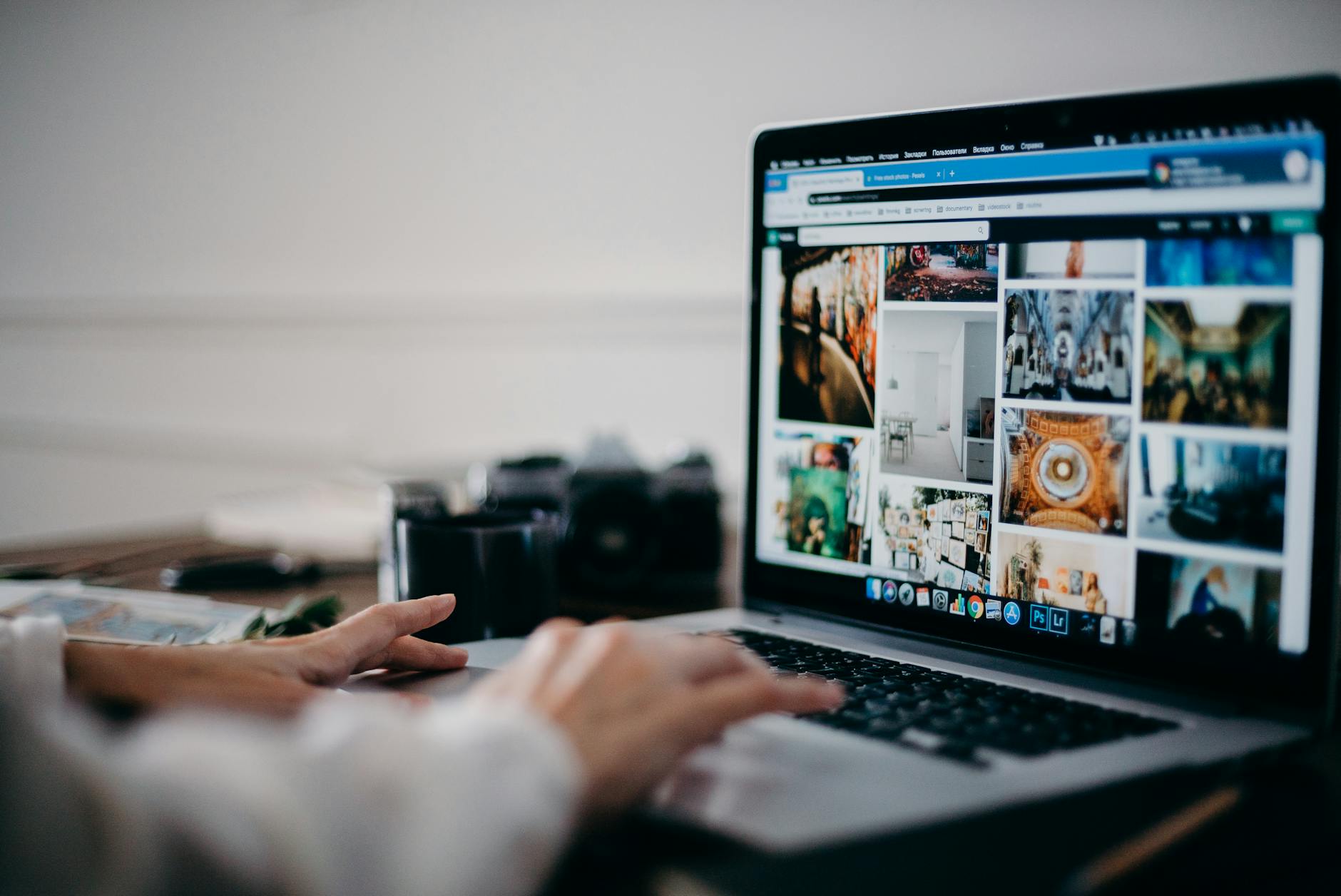
Начните с быстрого визуального поиска, который принимает загрузки или копии URL, чтобы быстро получить источники, даже в браузерах, отличных от Chrome, или в мобильных приложениях. Этот немедленный проход показывает, где появлялась фотография и какие домены ее размещают, помогая вам расставить приоритеты в расследованиях без задержки.
Шаги для уточнения результатов: проверьте точность цветопередачи во всех появлениях, определите отредактированные варианты, отметьте те, которые появляются последовательно, и отслеживайте метаданные, когда они доступны. Используйте фильтры для сужения по дате, домену и платформе; это уменьшает шум и повышает ясность для принятия решений в дальнейшем.
Методы различаются в разных экосистемах: некоторые сервисы индексируют общедоступные публикации в социальных сетях, другие извлекают сигналы из каталогизированных репозиториев, а многие приложения агрегируют фрагменты с разных платформ. Этот процесс показывает, какие приложения обеспечивают достоверную атрибуцию, а какие дают неоднозначные результаты, направляя ваши дальнейшие действия.
Если вы работаете с брендами или авторами, ищите закономерности в размещениях в Instagram и перепроверяйте их со старыми публикациями. Если визуальный контент широко распространился, сравните контекст со своим случаем, чтобы избежать неправильной атрибуции и защитить права. Если вы обнаружите отредактированные версии, отметьте изменения и сроки их появления.
Рекомендации: сохраняйте наиболее надежные результаты с примечаниями об источнике, перечисляйте предпринятые шаги и составляйте краткий отчет. Этот подход поддерживает маркетинговые группы, редакционные рабочие процессы и группы соответствия требованиям даже в средах, отличных от Chrome.
Практический рабочий процесс для проверки изображений в журналистике
Начните с быстрой сортировки: проверьте дату, личность и источник для каждого визуального элемента перед публикацией, обеспечивая точную отчетность с первого наброска.
- Каталогизируйте и визуально осмотрите фотографию: извлеките оригинальный визуальный элемент из надежного источника, зарегистрируйте дату, тип устройства (телефон или камера) и подробности об объективе, если они доступны; отметьте контекст сцены и любые очевидные правки.
- Подтвердите личность и происхождение: определите издателя, фотографа или агентство; проверьте логотипы или кредиты; убедитесь, что лента соответствует временной шкале событий и условиям лицензии.
- Подтверждение источника через Bing и социальные сети: выполните целевой поиск в Bing, чтобы найти похожие визуальные элементы в социальных сетях, официальных каналах и архивах; сравните временные метки, подсказки о местоположении и подписи, чтобы оценить соответствие; если та же сцена появляется в другом месте, проверьте наличие подтверждающих деталей.
- Проверка контекста и даты: сопоставьте подпись с известной временной шкалой событий; перепроверьте EXIF или метаданные на наличие указаний на дату и местоположение; добавьте тег springsummer, если визуальные элементы отражают этот период, и соответствующим образом скорректируйте копию.
- Проверка геолокации и геометрии: оцените ориентиры, планировку улиц и тени; используйте карты или рельеф местности, чтобы подтвердить местоположение; задокументируйте любую неопределенность.
- Проверка целостности кадра и манипуляций: проверьте наличие клонирования, несогласованных краев или повторяющихся узоров; сравните с другими кадрами с того же события и проведите базовые проверки качества; при обнаружении потенциального вмешательства обратитесь к специалистам для подтверждения и проверки прав; здесь передовые методы помогают снизить риск.
- Документирование и архивирование: в рамках общего рабочего процесса новостной редакции создайте запись в общем индексе с ключевыми словами (словами), такими как дата, личность, тип устройства, объектив, местоположение и событие; сохраните оригинал и производные; включите краткую интерпретационную записку; укажите на потенциальные неправильные подписи или пробелы, чтобы информировать редакторов и читателей.
Активные действия, широкий поиск источников и подход, ориентированный на объектив, помогают узнать возможности для точности. Этот рабочий процесс дает редакторам информацию, которую они могут интерпретировать, чтобы рассказать более полную историю, и он по сути разработан для обеспечения надежности в различных СМИ и событиях.
Выберите правильную систему обратного поиска для своего изображения
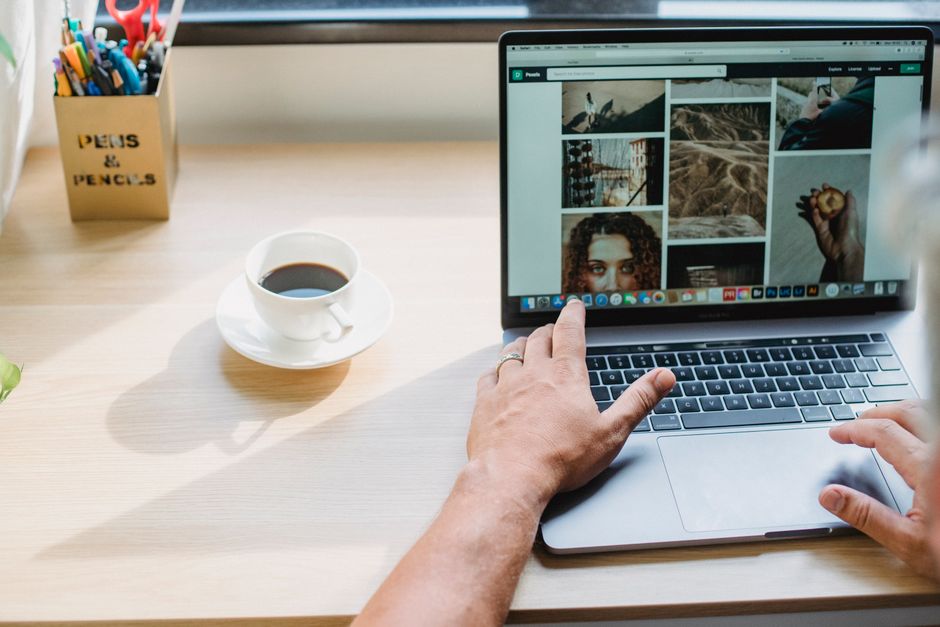
Прямая рекомендация: TinEye - лучший первый выбор для проверки авторских прав и точного соответствия. Вы можете пройти аутентификацию для сохранения сканов и быстрого определения первоисточников.
Три основных варианта для рассмотрения: TinEye, Google Lens и Bing Visual.
-
TinEye - лучше всего подходит для проверки авторских прав и точного соответствия. Загрузите файл или вставьте URL; он возвращает прямые ссылки на исходные веб-сайты. Вы можете пройти аутентификацию для сохранения сканов, и TinEye сохраняет результаты в вашей учетной записи для всех членов вашей команды. Он работает в средах, отличных от Chrome. TinEye делает акцент на авторских правах и собственности. Он включает в себя три категории соответствия: точное, измененное и почти дубликат, чтобы помочь вам обнаружить варианты.
-
Google Lens - лучше всего подходит для быстрого обнаружения на мобильных устройствах и на разных сайтах. Сфотографируйте или загрузите изображение, и он покажет хостинговые сайты и связанные страницы. Вы можете узнать, находит ли он точные совпадения и где они находятся; аутентификация не является обязательной для сохранения истории. Работает в средах, отличных от Chrome, через приложение Google и улучшает вашу стратегию, быстро обнаруживая несколько контекстов для одного и того же файла.
-
Bing Visual - прямой подход к сканированию использования изображений на многих сайтах. Работает в большинстве браузеров и показывает исходные страницы и связанные результаты. Вы можете пройти аутентификацию, чтобы сохранить результаты и вести журнал для всех, кто просматривает результаты; отлично подходит для широкого охвата веб-сайтов и быстрого сравнения.
-
Другие сайты - альтернативы, такие как Yandex Images или Baidu Images, могут превзойти в определенных регионах или языках. Они предоставляют отдельные наборы данных, которые могут выявить виды использования, не отображаемые тремя основными вариантами; тестирование этих методов помогает избежать региональных пробелов в данных и укрепляет вашу общую стратегию.
Резюме: этот подход сочетает в себе аутентификацию для сохранения сканов, стратегию с тремя вариантами и прямой путь к обнаружению лучших исходных веб-сайтов. Благодаря совместимости с браузерами, отличными от Chrome, и быстрому сканированию любой может без труда защитить авторские права и улучшить проверку.
Пошаговое руководство: как выполнить обратный поиск изображений в Google
Сохраните целевой файл на свое устройство или скопируйте его URL; это сохранит визуальный элемент готовым для быстрой загрузки в сервисы и поддержит более поздние поиски.
В своем браузере на любом устройстве откройте страницу результатов визуальных элементов и щелкните значок камеры. Выберите «Загрузить файл» или «Вставить URL», чтобы загрузить результаты в поисковую систему.
Просмотрите начальные результаты, чтобы найти домены, на которых размещены те же изображения. Просмотрите несколько страниц с надежных доменов, чтобы оценить оригинальность и определить, не украдено ли содержимое или не защищено ли оно авторским правом; используйте элементы страницы, такие как заголовки и водяные знаки, чтобы подтвердить подлинность.
Для гораздо более мощной проверки сравните сигналы по элементам страницы и исходным доменам; ищите такие признаки, как штампы дат, имена авторов или примечания о лицензировании, которые указывают на законное использование и определяют те, у которых есть четкие права.
Настройте параметры, чтобы сузить поиск по размеру, цвету или времени; выполните дополнительные поиски в разное время с других устройств, чтобы улучшить охват. Расширения могут ускорить проверку; некоторые расширения интегрируют результаты с панелями мониторинга отслеживания для повышения надежности и более быстрого обнаружения скопированного материала.
Ведите краткий журнал: URL-адреса файлов, наблюдаемое намерение и точные места, где появляются изображения; это обеспечивает четкий след для сообщения об украденном контенте или принятия решения о реализации прав. Для кампаний, таких как springsummer, рассмотрите возможность автоматических оповещений для быстрого обнаружения новых копий.
Рекомендации: начните с надежных источников, используйте собственные сервисы платформы и выполняйте проверку независимыми способами. Этот подход эффективен, эффективен и надежен для обнаружения украденных изображений в разных доменах и сервисах, помогая вам отличить истинно положительные результаты от тех, которые действительно важны.
Расширьте свои результаты с помощью TinEye, Bing и Yandex
Начните с загрузки своей фотографии в TinEye и отметьте первые пять ссылок, которые представляют файл; этот веб-сайт показывает, где он появляется в Интернете, и на каких страницах он отображается наиболее последовательно, с интуитивно понятным рабочим процессом.
Затем запустите тот же визуальный элемент в Bing и просмотрите результаты для поиска дополнительных источников; этот подход расширяет ваш охват и помогает вам поймать списки, которые TinEye может пропустить, что полезно для групп, координирующих защиту бренда. Если вы пропустили список, повторите его в Yandex, чтобы заполнить пробелы.
Затем используйте Yandex для получения результатов с рынков за пределами основного; это добавляет разнообразия и может выявить локальные страницы, которые не отображаются в западных сервисах.
Независимо от того, проверяете ли вы бренд, лицо или человека, эти сервисы помогут вам определить, где появляется общая фотография и кто ею владеет; это помогает в установлении личности и обеспечении безопасности.
Чтобы уточнить результаты, используйте расширенные фильтры: ограничьте поиск по цвету или формату, отфильтруйте по домену, чтобы сосредоточиться на веб-сайте, которому вы доверяете, и ищите последовательные формы, такие как логотипы или лица; это также поможет вам оценить, является ли список релевантным и заслуживающим доверия.
На телефонах или других устройствах быстрая проверка может подтвердить, появляется ли фотография на странице в Facebook или в списке продавца, и получить быструю информацию о контекстах продаж и последствиях для безопасности.
Сравните результаты по источникам: если список представлен на нескольких сайтах, вы можете узнать, где он был создан; если нет, возможно, вы пропустили источник и должны расширить его до других сервисов. Вот почему перекрестная проверка важна для понимания того, где он был создан.
Для опытных пользователей объедините результаты, чтобы создать более безопасный профиль и снизить риск; проверьте свои собственные визуальные элементы и помните о безопасности; если вы видите идентичные формы на незнакомых страницах, отметьте их как релевантные и проведите дальнейшее расследование.
Эти шаги позволяют вам подготовить четкий отчет, который ваша команда может просмотреть; укажите ссылки, покажите, на каких сайтах отображалось лицо, и отметьте любые попытки продажи или неправильные атрибуции, которые могут возникнуть.
Оцените результаты на подлинность: метаданные, правки и контекст
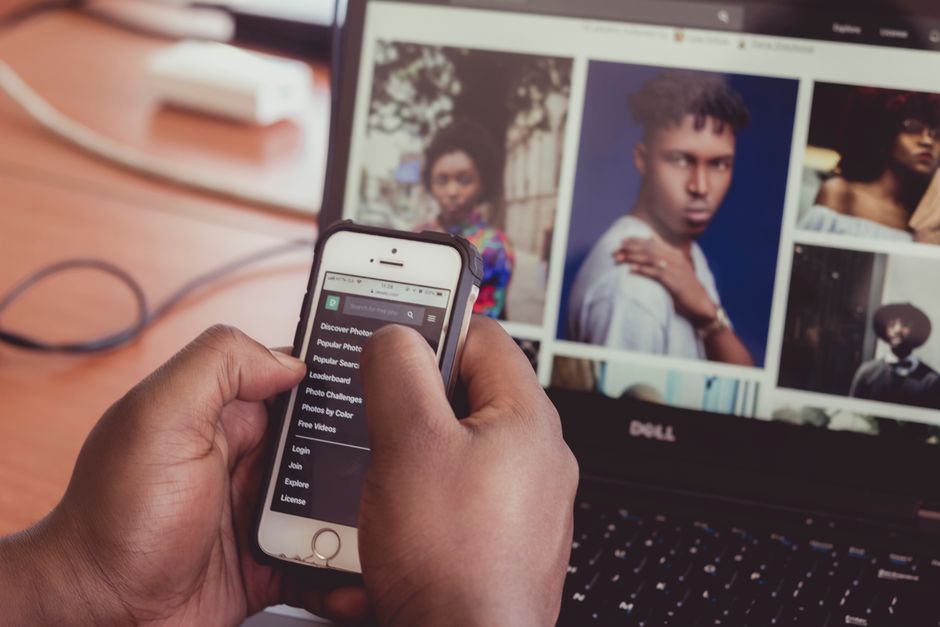
Начните с проверки данных об источнике и собственности каждого результата; надежные источники внушают уверенность и защищают от несанкционированных копий.
Проверьте метаданные: метки времени, подписи устройств и статус индексации для определения происхождения. Ищите согласованность в миллионах проиндексированных записей и отмечайте любые аномалии во временном окне, отображаемом набором результатов.
Проверьте правки и контекст: сравните визуальные элементы с известными оригиналами, следите за такими правками, как обрезка, изменение размера, сдвиг цветов или добавленные наложения. Если правки существуют, найдите оригинальные статьи или продукты и подтвердите личность загрузчика, чтобы подтвердить право собственности.
Перекрестные ссылки со статьями, страницами продуктов и официальными каналами; используйте результаты конкурентов, чтобы оценить достоверность. Если результат происходит из источника, который регулярно распространяет несанкционированные копии, отнеситесь к нему с осторожностью и соберите больше доказательств перед использованием.
Навигация и документация: откройте окно на отдельной вкладке для каждого результата; сохраните копии метаданных и версий; создайте небольшой указатель происхождения, чтобы вы могли отстоять решения об использовании, если у людей или клиентов возникнут вопросы.
Рекомендуемые действия: отдавайте предпочтение результатам, которые включают атрибуцию и надежные сигналы; для похожих визуальных элементов проверьте оригинальный источник, чтобы убедиться в праве собственности. Если вы сомневаетесь, просто избегайте использования или свяжитесь с издателем, чтобы подтвердить источник, прежде чем приступить к размещению товаров или статей.
| Шаг | Что проверять | Как проверять |
|---|---|---|
| 1 | Источник, право собственности, происхождение | Просмотрите домен, информацию об авторе и метаданные лицензии; подтвердите надежность издателя |
| 2 | Целостность метаданных | Проверьте метки времени, подписи устройств и статус индексации; отметьте несоответствия |
| 3 | Правки и подлинность визуальных элементов | Проверьте наличие обрезки, наложений, сдвига цветов; сравните с известными оригиналами |
| 4 | Контекст и использование | Оцените, как визуальные элементы появляются в статьях или на страницах товаров; проверьте атрибуцию |
| 5 | Похожие результаты и достоверность | Перекрестная проверка с конкурентами; отдавайте предпочтение источникам с четким указанием права собственности |
| 6 | Документирование и принятие решений | Сохраняйте копии, регистрируйте происхождение, принимайте решения о правах использования и дальнейших шагах |
Перекрестная проверка с метаданными, датами и несколькими независимыми источниками
Сначала проверьте метаданные и даты, а затем подтвердите их с помощью различных независимых источников, чтобы подтвердить вывод с уверенностью.
Извлеките встроенные данные из изображений: проверьте DateTimeOriginal, модель камеры и координаты GPS, если они присутствуют; отметьте, если поля отсутствуют или изменены. Если метаданные противоречат заявленному контексту или временной шкале, отметьте этот элемент как подозрительный и изучите дополнительные подтверждения.
Даты в контексте публикации имеют значение: проверьте дату статьи, заголовок «дата последнего изменения» страницы и архивные метки времени. Если даты расходятся в разных источниках, отдавайте предпочтение тем, у которых есть явное происхождение. Несогласованные даты часто сигнализируют об обновленном или повторно опубликованном контенте; относитесь к ним как к красным флажкам, пока не найдете последовательные доказательства.
Независимые перекрестные проверки: Сравните одно и то же утверждение на большом количестве надежных веб-сайтов, включая правительственные порталы, признанные СМИ, научные работы и независимые службы проверки фактов. Ищите идентичные точки данных - цифры, имена, даты - и оцените, добавляет ли каждый источник новую, независимую поддержку, а не повторяет тот же пресс-релиз. Если утверждения не совпадают, определите те, которые предоставляют наиболее релевантное подтверждение, и перепроверьте основной источник или исходный набор данных на другом сайте.
Следите за признаками контента, который не имеет отношения к описываемому событию: несоответствие между визуальными элементами и подписями или подписи, которые не соответствуют изображениям. Когда изображения распространяются с одинаковой формулировкой на несвязанных сайтах, вероятность манипуляции возрастает; полагайтесь на сигналы от надежных источников, которым вы доверяете, а не на общие советы.
Советы: Используйте средства просмотра метаданных на надежных веб-сайтах, предоставляющих доступ к данным EXIF и заголовкам; сравните три или более источников; ведите простой журнал дат и изменений; отмечайте измененные данные; изучите каждый элемент информации на предмет соответствия общему контексту; по возможности связывайтесь с оригинальным фотографом или автором; для фотографий с геотегами сопоставьте координаты для проверки местоположения; задокументируйте свои рассуждения, чтобы работа оставалась прозрачной.
Общая практика и использование: каждый шаг служит для выявления расхождений, обнаружения несоответствий и обеспечения безопасности окончательной работы. Для фотографий всегда проверяйте контекст и источники, предоставляющие информацию; если утверждение основано только на одном источнике, относитесь к нему как к предварительному и ищите подтверждение как минимум из двух других источников. Этот подход остается необходимым для обеспечения точности и обеспечения релевантности и полноты информации.
Правильные выводы приходят в результате полного, методичного процесса: изучения контекста, подтверждения данных из различных источников и защиты ваших результатов.
Отправить краткий бриф
Укажите сайт, цели, аудиторию и бюджет, чтобы обсудить предложение.


