Что такое программное обеспечение для управления кампаниями? Определение и ключевые преимущества

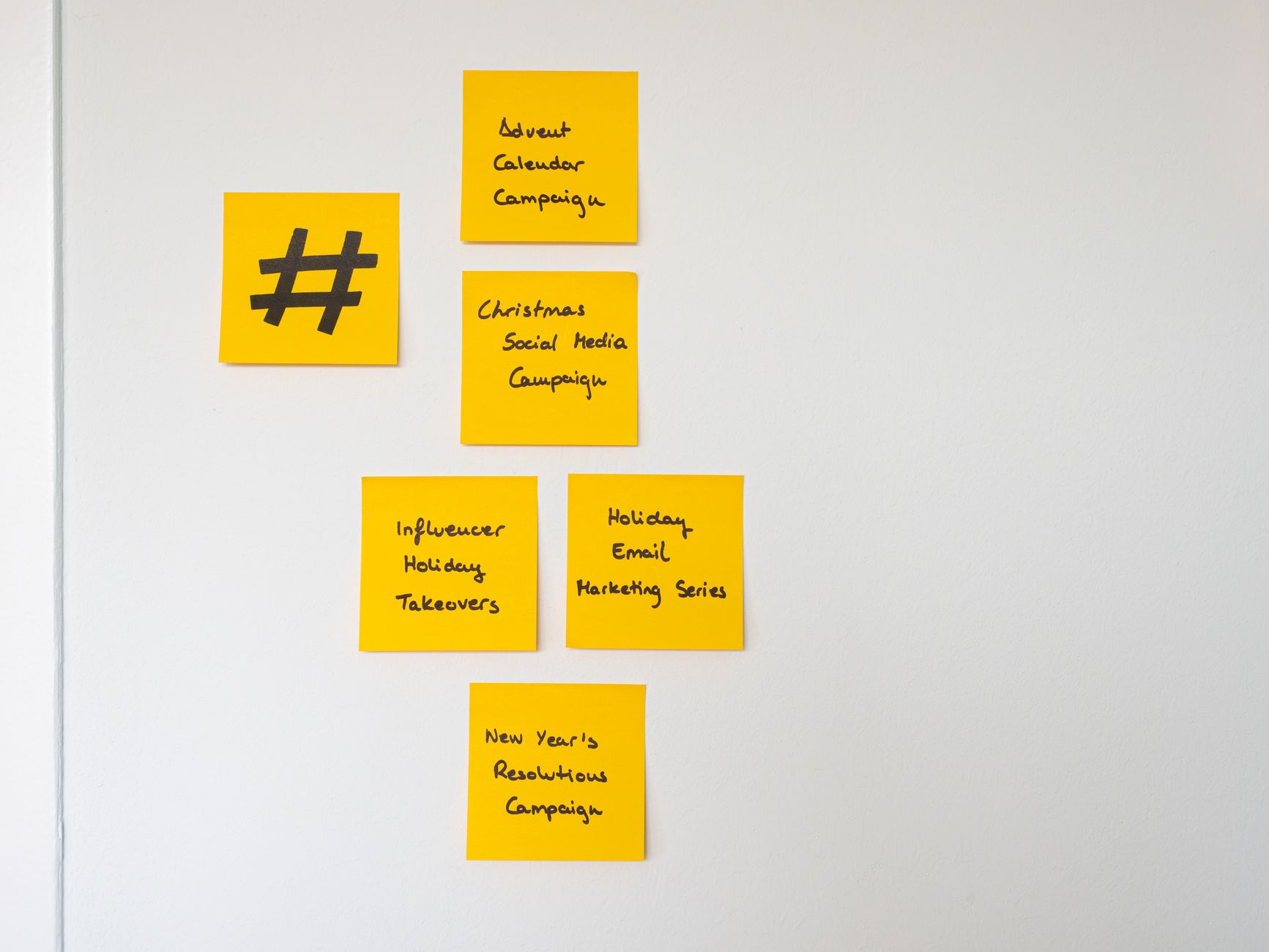
Выберите единую платформу для планирования, запуска и оценки кампаний из одного места. Такой подход обеспечивает согласованность команд и ускоряет принятие решений за счет замены разрозненных инструментов работающим рабочим процессом, который объединяет календари, ресурсы и согласования.
Программное обеспечение для управления кампаниями — это платформа, которая централизует планирование, выполнение и оценку для проведения многоканальных кампаний. Оно объединяет сегментацию, управление активами (изображения, тексты и ссылки), шаги автоматизации и межканальную доставку, чтобы вы могли координировать такие элементы, как электронные письма, публикации в социальных сетях, рекламу и целевые страницы, из единого интерфейса.
Детальная аналитика позволяет точно измерять воздействие. Поскольку команды видят результаты в режиме реального времени, вы можете быстро корректировать кампании. Ожидайте улучшений во времени цикла и атрибуции; например, команды сообщают об ускорении настройки на 20–40% и сокращении ручных передач на 30–60% при использовании централизованного инструмента, а также о более четкой видимости того, какие каналы стимулируют продажи и как они способствуют достижению стратегических целей.
Для каждой кампании вы можете определить сегменты, установить триггеры и прикрепить изображения и текст к ресурсам с помощью функции, которая охватывает управление ссылками на целевые страницы. Вы можете проводить A/B-тесты и быстро выполнять итерации; благодаря интеграции с вашей CRM и рекламными сетями вы поддерживаете единообразие по всем каналам.
При оценке вариантов ищите возможности, которые подходят вашей команде: набор функций для планирования, выполнения и отчетности, надежные варианты сегментации и библиотеку ресурсов с изображениями. Проверьте, как платформа поддерживает ограниченное число пользователей, ровно столько средств контроля, сколько необходимо для соблюдения политик обработки данных, и связь между ресурсами и кампаниями для поддержания согласованности между всеми участниками.
Практический обзор систем управления кампаниями
Выберите структурированную платформу с автоматизацией и понятной кривой обучения, чтобы кампании соответствовали целям. Создайте свою систему на основе открытых платформ и четкой модели данных, чтобы вы могли выполнять итерации без серьезных переписываний.
Ключевые элементы для оценки при выборе системы:
- Сфера охвата и открытость платформы: предпочтение следует отдавать открытым платформам с простой моделью данных, поддерживающей каналы.
- Автоматизация: ищите рабочие процессы на основе правил, триггеры и последовательности обмена сообщениями без ручных действий.
- Метрики и атрибуция: убедитесь, что вы можете оценивать основные KPI, фиксировать поведение и помечать кампании параметрами utm для атрибуции.
- Кривая управления: сравните крутизну кривой обучения у разных поставщиков и спланируйте пилотный проект, охватывающий основные потребности.
- Настройка против управления: сбалансируйте индивидуальные рабочие процессы с необходимостью последовательных утверждений и комментариев от заинтересованных сторон.
- Ввод в курс дела и поддержка: убедитесь в быстром доступе к ответам и практической документации с примерами.
Практические советы по внедрению:
- Сопоставьте свои потребности с небольшим набором основных кампаний, избегая перегибов на старте.
- Определите основные правила автоматизации: триггеры, сообщения и этапы проверки.
- Пометьте все ресурсы и ссылки utm, чтобы упростить отчетность и уменьшить неоднозначность.
- Используйте chevron-up для развертывания разделов и просмотра комментариев и заметок на панели управления.
- Регулярно оценивайте результаты с помощью простого контрольного списка: повышается ли вовлеченность, стабильна ли стоимость результата, поступают ли данные в CRM.
Типичные ошибки, которых следует избегать:
- Чрезмерное усложнение с использованием слишком большого количества платформ или неиспользуемых функций.
- Игнорирование базовой гигиены данных и непоследовательная маркировка.
- Надежда на то, что одна команда будет выполнять все без надлежащего утверждения.
Каждый аспект системы должен соответствовать потребностям и предоставлять только то, что важно для ваших кампаний. Используйте структурированные рабочие процессы, открытую документацию и практическую автоматизацию, чтобы задачи выполнялись и решения были прослеживаемыми. Что-то ощутимое происходит, когда вы внедряете предсказуемые модели и четкое распределение обязанностей в будущем. Рассмотрите решения, которые минимизируют ручную работу и обеспечивают прозрачные комментарии для заинтересованных сторон.
Определение, сфера охвата и основные функции
Начните с централизованного инструмента управления кампаниями, который начинается с четкого плана, назначения ответственных и автоматизации рутинных задач для обеспечения быстрой окупаемости инвестиций. Эта система определяет область охвата путем координации каналов, этапов и команд, сохраняя при этом единый источник достоверной информации для всех кампаний. Это естественным образом уменьшает трения между командами.
Определение: Программное обеспечение для управления кампаниями — это централизованная платформа, которая координирует планирование, выполнение и оценку маркетинговых мероприятий. Оно связывает активы, календари, данные об аудитории и показатели эффективности, а также поддерживает сотрудничество между внутренними командами и внешними партнерами. Хорошо подобранный инструмент снижает трения и обеспечивает согласованность от брифинга до доставки.
Сфера охвата: Инструмент охватывает многоканальную оркестровку, управление активами, автоматизацию рабочих процессов, интеграцию данных и управление. Он поддерживает ограниченный доступ для участия подрядчиков, предоставляя лицам, принимающим решения, возможность видеть в режиме реального времени прогресс, расходы и результаты. Различные команды могут сотрудничать, не дублируя работу, сохраняя при этом четкое распределение обязанностей и подотчетность.
Основные функции:
- Конструктор кампаний с шаблонами для ускорения написания и настройки
- Назначение задач и командная работа для четкого распределения обязанностей
- Многоканальная оркестровка между электронной почтой, социальными сетями, рекламой и целевыми страницами
- Сегментация аудитории и персонализация для повышения релевантности
- Автоматизация и рабочие процессы для сокращения ручных усилий при сохранении контроля
- Библиотека активов и дополнительные интеграции с CRM, аналитикой и инструментами для творчества
- Стратегии оптимизации и эксперименты для выявления эффективных подходов
- Отслеживание бюджета и отчетность по ROI для мониторинга окупаемости
- Панели аналитики с практическими показателями
- Управление поставщиками для согласования внешних партнеров и предотвращения узких мест
- Отслеживание проблем и управление для поддержания качества и соответствия требованиям
- Планирование, календари и напоминания для периодов пиковой нагрузки
Вы можете назначать задачи ответственным лицам с указанием сроков, создавая подотчетность на протяжении всего жизненного цикла кампании.
Ориентация на продажи: Для отделов продаж сопоставляйте кампании с возможностями и отслеживайте влияние на выручку, чтобы оправдать расходы.
Практическое руководство: При оценке вариантов обратите внимание на надежный конструктор, настраиваемые рабочие процессы и низкий порог вхождения. Командам с ограниченными ресурсами следует начинать с основных функций, а затем добавлять возможности по мере масштабирования. Факт: автоматизация и централизованная отчетность могут сократить путь к результатам и повысить общую эффективность. Заглядывая вперед, после начала работы согласуйте приоритеты и распределите роли, чтобы ускорить адаптацию.
Как CAMS оркестрирует многоканальные кампании

Начните с единого, конкретного плана, который связывает целевые страницы, электронные письма, публикации в социальных сетях и рекламу воедино. В CAMS вы определяете ограниченный набор каналов для каждого проекта и превращаете каждый элемент в задачу с владельцем и этапом утверждения, чтобы вы могли переходить от концепции к оперативным сообщениям без узких мест.
Настройте интеграцию в режиме реального времени с Mailchimp и другими инструментами, чтобы данные поступали мгновенно, и команда могла просматривать единую панель управления для обеспечения прозрачности. Определенные сегменты аудитории запускают персонализированные сообщения по всем каналам, а правила обеспечивают согласованность по всем точкам взаимодействия, пока вы измеряете innertrends для внесения корректировок.
Когда какая-то часть продвигается вперед, CAMS автоматически перемещает остальное в плане. Целевые страницы, электронные письма и компоненты социальных сетей обновляются последовательно, и вы получаете мгновенную обратную связь на каждом этапе. Это дает вам четкое представление о том, что работает, а что требует корректировки.
Определите приоритетность наиболее эффективных действий: назначайте задачи с указанием сроков выполнения, устанавливайте утверждения и отмечайте результаты, которые вы хотите реализовать. Вы можете отслеживать такие показатели, как количество открытий, переходы по ссылкам и конверсии, а также корректировать планы на лету, чтобы оставаться в курсе событий, не жертвуя качеством.
Включенные шаблоны и руководства помогают командам оставаться уверенными и последовательными. Оркестровка перемещается между устройствами и часовыми поясами, обеспечивая видимость каждого канала и позволяя вам просматривать innertrends и производительность на целевых страницах, в почте и рекламе. Такой подход позволяет поддерживать соответствие текущей работы стратегическим целям.
Отслеживание успеха: метрики, панели управления и отчетность

Начните с основного набора метрик, который связывает кампании с воздействием на бизнес. Определите основные показатели, такие как вклад в выручку, стоимость привлечения и воронка продаж, формируемая маркетингом, и сопоставьте их с каждым каналом, чтобы вы могли видеть, какие усилия дают результат. Создайте единый источник достоверной информации, согласовав свои каналы передачи данных и обеспечив четкую и последовательную грамматику в именах и полях.
Отслеживайте взаимодействия и поведение по всем точкам взаимодействия: клики, отправки форм, просмотры видео, время на сайте и сохранения в Pinterest. Сегментируйте по каналу и ডিভাইс, чтобы увидеть, где наблюдаются пики вовлеченности. Используйте эти данные, чтобы определить, что вызывает конверсию и где пользователи отваливаются, чтобы соответствующим образом адаптировать сообщения. Это обеспечивает большую ясность для членов команды. Большая часть этого зависит от правил атрибуции, которые вы можете задокументировать в списке поставщиков для обеспечения подотчетности.
Панели управления должны быть удобными и визуальными, с отдельными представлениями для основных заинтересованных сторон: руководителей, маркетинговой команды и партнеров-поставщиков. Создайте удобную для планирования компоновку, которая показывает график и планирование, статус кампании и прогресс в достижении успеха. Используйте фильтры для диапазонов дат, каналов и идентификаторов кампаний, чтобы быстро получить представление о прозрачности действий. Включите специальный раздел planables, в котором фиксируются основные этапы и следующие шаги.
Отчетность должна предоставлять информацию, позволяющую принимать решения, а не стены текста. Используйте краткое повествование только тогда, когда оно добавляет контекст, и поддерживайте устойчивый ритм: ежедневно для платных каналов, еженедельно для основных кампаний и ежемесячные разборы с оценкой эффективности по сравнению с целевыми показателями. Убедитесь, что грамматика остается четкой и последовательной, с четкими определениями для каждой метрики. Включите простое, готовое к использованию резюме для руководства, которое подчеркивает увеличение ключевых показателей и влияние на целевые этапы.
Обмен знаниями и обучение ускоряют успех. Публикуйте панели управления, аннотируйте изменения в стратегии и приглашайте команду к обратной связи для улучшения ваших планов и процессов. Компактная карта показателей поставщиков помогает вам сравнивать ценность инструмента, стоимость и поддержку. Когда вы документируете результаты, вы повышаете прозрачность для заинтересованных сторон, которые оторваны от повседневной работы, ускоряете принятие решений и улучшаете общие результаты маркетинга. вы создаете многоразовый шаблон, который становится удобным ресурсом для получения согласия и согласования грамматики и данных между командами.
Командная работа: утверждения, роли и рабочие процессы
Назначьте одного владельца для каждого этапа, чтобы ускорить утверждения и обеспечить согласованность между всеми участниками. Четко определите роли: Руководитель, Рецензент и Утверждающий, с четкими обязанностями и целевыми SLA в рамках вашего инструмента для управления проектами. Храните идеи, отзывы и решения в одной ветке, чтобы рецензии оставались прослеживаемыми, и используйте понятную фамилию руководителя для обеспечения подотчетности. Убедитесь, что путь утверждения виден всем, и пометьте зеленым статусом завершение этапа, чтобы сигнализировать о готовности к следующему шагу. не пропускайте документацию; фиксируйте решения в сжатом поле для заметок и прикрепляйте визуальные материалы с помощью cleanshot для точной обратной связи. Используйте простой, основанный на выборе контрольный список, чтобы уменьшить количество переходов туда и обратно и свести к минимуму время простоя, а также сохраняйте происхождение источник решений и историю версий, доступную для команды.
В рамках процесса разработки и рецензирования назначьте руководителя для каждого типа ресурсов и определите владельцев этапов: Руководитель, Рецензент и Утверждающий. Между этапами поддерживайте тесную передачу данных, связывая рецензии и решения с ресурсом. Используйте целевые запросы обратной связи, чтобы ускорить получение информации от заинтересованных сторон, и ведите четкий журнал запросов и ответов для всех. Используйте проверяемый источник для решений и истории версий. Отслеживайте отзывы от всех участвующих и установите четкое имя для конечного владельца, который будет руководить этапом публикации. Многолетний опыт показывает, что четкие роли и ограничение по времени сокращают переработку и поддерживают динамику на должном уровне. Используйте hotjar для оценки вовлеченности читателей и тестирования идей, а также спланируйте свой следующий марафонский спринт, используя подход, основанный на данных. Для распространения планируйте целевые каналы, такие как youtube и другие ресурсы, для охвата клиентов.
| Этап | Владелец | Подтверждения | Временное окно | Инструменты | Примечания |
|---|---|---|---|---|---|
| Черновик | Руководитель отдела контента | 1 рецензент | в течение 24 часов | cleanshot, Google Docs | Первоначальный черновик соответствует брифу; собирайте идеи; держите всех в курсе |
| Рецензия | Старший редактор | 2 рецензента | в течение 24 часов | ветка комментариев, hotjar | Запрос целевой обратной связи; консолидируйте рецензии между командами |
| Утвердить | Менеджер кампании | 1 утверждающий | в течение 12 часов | CMS, внутренний портал | Одобренный ресурс; убедитесь, что отражается точка зрения клиентов |
| Опубликовать | Цифровые операции | Руководитель + Рецензент | в течение 6 часов | youtube, CMS, аналитика | Публикуйте в каналах; отслеживайте влияние на выручку и вовлеченность |
Ручные обходные пути: процессы, которые сохраняются без программного обеспечения
Примите единый шаблон на основе браузера для всех задач кампании и требуйте его использования при каждой передаче. Этот шаблон должен фиксировать цели, аудиторию, ресурсы, сроки, утверждения и статус в живом документе. Используйте его в качестве отправной точки для каждого проекта, чтобы минуты, потраченные на погоню за обновлениями, оставались минимальными, а команды оставались согласованными, сохраняя последовательность во всех ваших кампаниях.
Сохраняются распространенные обходные пути: печать контрольных списков, отправка статуса по электронной почте, дублирование заметок в документах с форматированным текстом и отслеживание основных этапов в локальных электронных таблицах, что нарушает их динамику и приводит к смещению версий.
Показатели для отслеживания: сроки утверждения, версии ресурсов и минуты переделки. В течение первого месяца, при дисциплинированном использовании, команды могут увидеть ускорение утверждений на 20–40% и сокращение количества правок туда и обратно на 15–25%, а данные показывают постоянные улучшения на протяжении всего процесса.
Этапы реализации: Начните с быстрой проверки пяти наиболее трудоемких этапов в вашем текущем процессе. Создайте общий, открытый шаблон, который вы можете обновлять в режиме реального времени. Запустите пилотный проект на одном канале, например tiktok, сосредоточившись на установлении последовательных сроков и передаче данных.
Во время масштабирования встройте комплексное управление: назначьте владельцев, запросите подтверждения и проводите еженедельные обзоры. Используйте заметки с форматированным текстом для брифов и храните единый источник достоверной информации, чтобы продемонстрировать прогресс. Поймите, что в отсутствие программного обеспечения ручные шаги сохранятся; цель состоит в том, чтобы свести к минимуму отклонение, сохраняя профессиональный тон и процесс, открытый для обратной связи. Отслеживайте результаты: сэкономленные минуты, последовательность в обмене сообщениями и возможность сообщать о статусе в несколько кликов.
Отправить краткий бриф
Укажите сайт, цели, аудиторию и бюджет, чтобы обсудить предложение.


