Flexibilné editovanie pre ohurujúce klipy – Zvládnite dynamické video edity s ľahkosťou

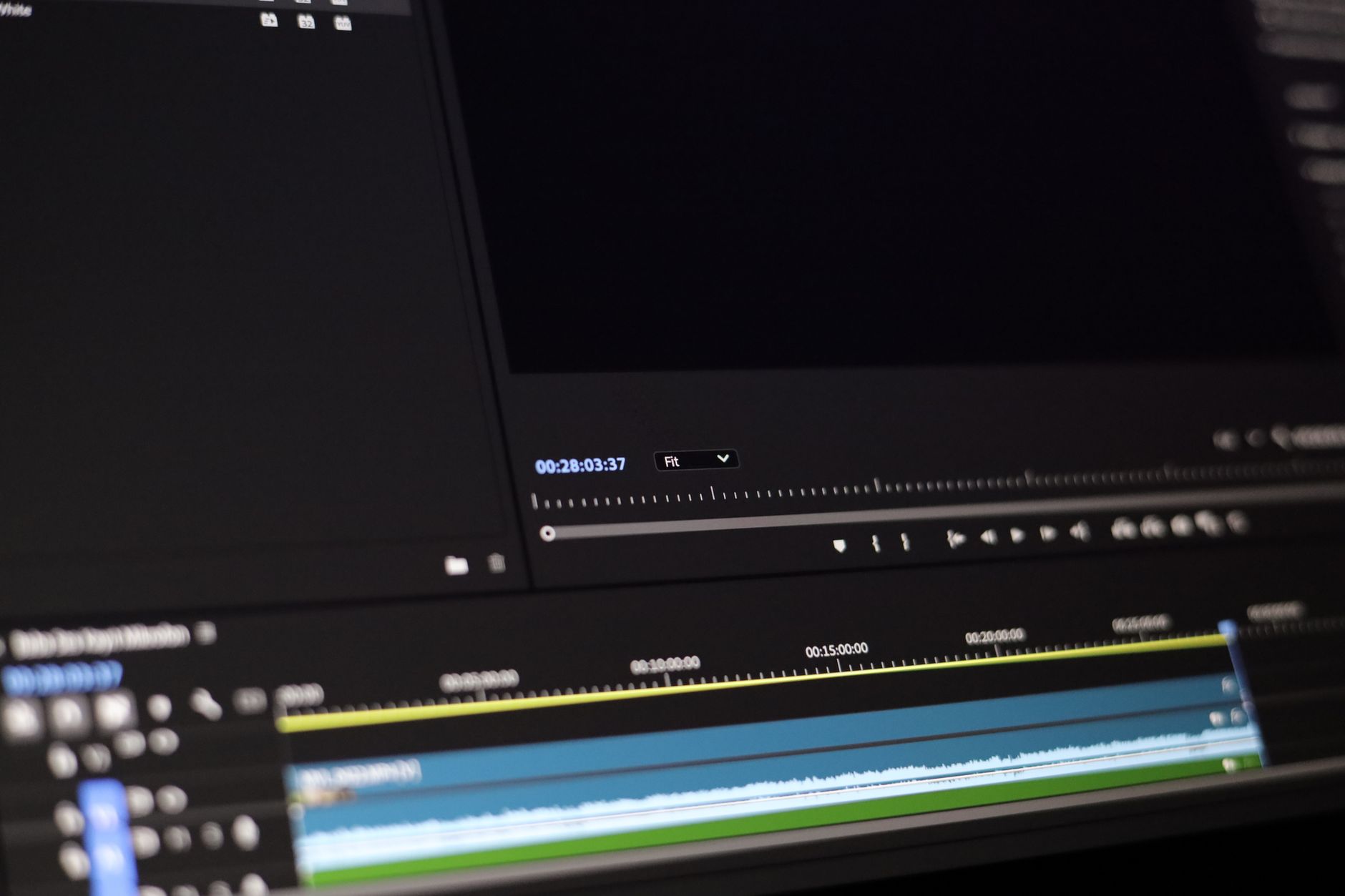
Odporúčanie: Rozdeľte príbeh na 3–4 kompaktné segmenty: háčik 0–2 sekundy, hodnota 3–9 sekúnd, záverečné volanie k akcii 10–15 sekúnd. Každý segment môže stáť sám o sebe a zároveň prenášať hlavnú myšlienku, čo uľahčuje opätovné použitie naprieč platformami a formátmi. V ére internetu hľadajú marketéri aj kreatívci budovanie škálovateľného plánu, nie nekonečné prepracovania.
Orientácia: Čas háčika v prvých 2 sekundách zvyšuje retenciu publika; udržte hlavnú správu v prvých 7–12 sekundách; celková dĺžka 15–30 sekúnd na sociálnych platformách ako TikTok, Instagram Reels a YouTube Shorts. Tento moderný prístup skutočne prináša vyššie zapojenie naprieč jazykmi a regiónmi. Keď potrebujete vykreslenie, predbežne zostavte opakujúce sa prvky, aby aplikácie spracovávali rýchlejšie; cieľom je dokončiť to v jednom prechode častejšie.
Tipy na workflow: Používajte modulárne šablóny v aplikáciách na rýchlu adaptáciu naprieč platformami. Aplikujte jednoduché, nelineárne prechody, predvykreslenia, úpravy rytmu; udržujte vykreslenie efektívne tým, že pečiete outros a dolné tretiny ako samostatné assety. Na obohatenie rozprávania vložte krátke rozhovory alebo citáty uprostred sekvencie, potom umiestnite outros na koniec, aby ste pohnali akciu. Tento jednoduchý prístup pomáha publikám zostať zapojeným, zatiaľ čo dodatočný obsah je dostupný pre jazyky alebo regionálne úpravy.
Meranie: Sledujte retenciu naprieč sekundami, s cieľom dosiahnuť najlepšie mierky dokončenia na každej platforme. Spúšťajte rýchle A/B testy na dĺžku háčika, potom porovnávajte konce outros; exportujte samostatné sady vykreslenia, aby ste udržali stránky čerstvé naprieč digitálnymi kanálmi. Okrem toho zhromažďujte rozhovory s publikami v rôznych jazykoch, aby ste usmernili budúce úpravy a poučili sa z výsledkov.
Praktický rámec na dosiahnutie rýchlych, vysoko efektívnych úprav
Začnite s vstavanou 60-sekundovou šablónou z vašej knižnice; rámec spúšťa dvojitú kontrolu na identifikáciu piatich najlepších momentov, ktoré prinášajú maximálny dopad.
Pokračujte 15-minútovým šprintom na vytvorenie troch variantov, používajte vertikálne zarámovanie a klipovanie na zvýšenie povedomia a dosahu.
Konsolidujte assety v jednom priečinku; zmeňte veľkosť kľúčových súborov na 9:16 a 16:9 a pripravte varianty 1:1 zamerané na predaj.
Označte súbory metadátami a aplikujte konzistentnú schému pomenovania; táto podniková asistencia znižuje čas vyhľadávania a podporuje vyššiu efektivitu.
Zahŕňajte poznámky tvorcu: jamie sinclair, ich právo sa učiť, a rýchly referenčný sprievodca na rekreáciu efektu.
Sledujte percentuálny nárast v publikách, monitorujte dosah a zaznamenávajte dopad na rýchlosť predaja.
Z dát zdroja a lekcií tvorcu jamie sinclair sa tento prístup stáva zmenou hry, keď je workflow postavený okolo klipovania, vertikálnych formátov a rýchlych iterácií v tímoch.
Prosím, prijmite tento rámec, zdieľajte poznatky a poskytnite svojmu tímu prístup k ich správnym nástrojom na škálovanie.
Definujte opakateľnú šablónu úprav: šablóny, predvoľby a šablóny pohybu
Prijmite jednu šablónu, ktorá znovu používa šablóny, predvoľby a šablóny pohybu naprieč projektmi, čím skráti čas nastavenia až o 40 % a udrží konzistentné značenie.
Základné komponenty zahŕňajú knižnicu šablón, banku predvoľieb a šablóny pohybu balíčkujúce bežné prechody, dolné tretiny a intrá. Rozmanitá paleta s pastelovými tónmi podporuje firemné, self-media a vzdelávacie kanály, umožňujúc stovky variantov bez prebudovania assetov.
Plán sa zameriava na prístupnosť: dizajnéri kurátujú balík použiteľný študentmi, freelancerami a firemnými tímami, urýchľujúc výsledky pripravené pre klienta pri zachovaní kvality zvuku a rytmu. Workflow generátora zásobuje používateľov opakateľnými sekvenciami, s assetmi ross a kapwings obohacujúcimi katalóg.
Od študentov po bankové tímy sa táto šablóna škáluje naprieč kontextami, pomáhajúc používateľom dosiahnuť rýchle, opakateľné výsledky.
Kroky implementácie na maximalizáciu opätovného použitia:
1) Vytvorte základné balíky: šablóny, predvoľby, šablóny pohybu; 2) označte assety podľa typu pohybu, farby a zvukovej podložky; 3) zostavte štartovacie sekvencie vrátane intr, prechodov a tichých miest; 4) integrujte do editorov prostredníctvom intuitívnych spúšťačov a klávesových predvoľieb.
| Prvok | Účel | Príklad |
|---|---|---|
| Šablóny | Základné rozloženia, typografia, farebné schémy | Intr mriežka s 3 panelmi |
| Predvoľby | Farba, úrovne zvuku, krivky animácie | Predvoľba teplého filmového tónu |
| Šablóny pohybu | Opakovateľné prechody, kontexty tempa | Balík pulzujúcich prechodov |
| Intrá | Otvorenie značky, nastavenie tónu | Otvorenie s značkou ross |
| Zvukové podložky | Atmosféra, ticha, údery | Štúdiové dýchanie + mäkký úder |
Implementujte dynamické úpravy: rampy rýchlosti, grafika pohybu a rezanie podľa rytmu
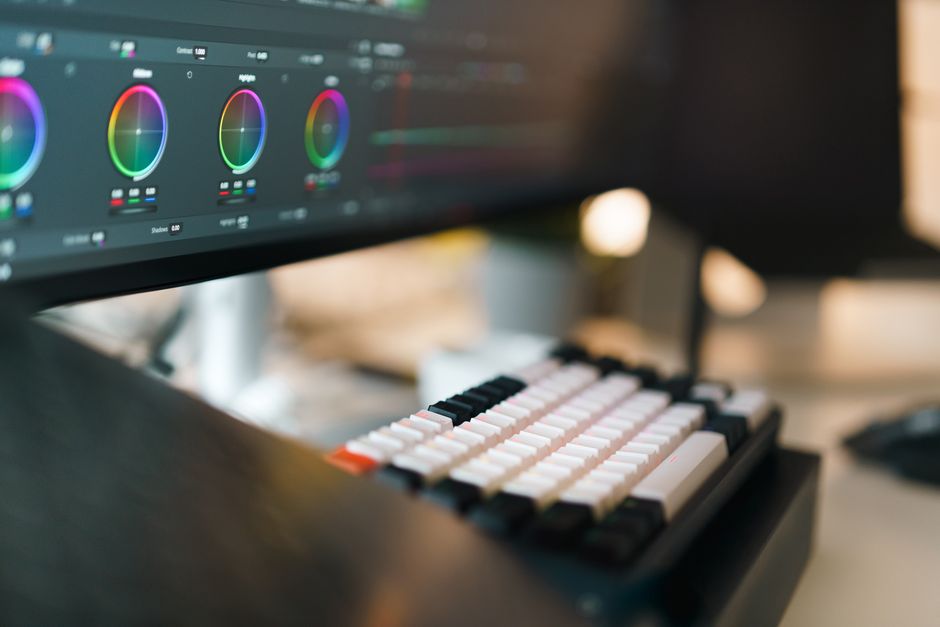
Odporúčanie: Zafixujte tempo plánovaním signálov rytmu najprv. Vytvorte rampu rýchlosti v 0,6–1,2 s počas dropov, potom spustite grafiku pohybu na údery. Neonová paleta pridáva razanciu pri zachovaní kvality naprieč vertikálnymi projektmi.
Detaily rampy rýchlosti: používajte postupné zmeny rýchlosti medzi 100 % a 160 % počas 12–18 snímok pri 24/30 fps. Aplikujte uľahčenie kubickej bezier (0.25,0.0,0.4,1), čo prináša prirodzený pohyb. Udržte rampu zameranú na akčné momenty; po vrchole držte 2 snímky na čisté pristátie rezu.
Zarovnanie grafiky pohybu: vytvorte rýchly tik, žiaru alebo vektorový výbuch, ktorý odráža rytmus. Dizajnér môže znovu používať assety naprieč projektmi prostredníctvom predplatného, zvyšujúc kvalitu bez platených šablón. Dizajnové prvky by mali odrážať architektonickú perspektívu; udržte tvary ostré, okraje čisté a obmedzenú neonovú sadu pre konzistentnosť, prinášajúc správnu rovnováhu medzi energiou a čitateľnosťou pri podpore marketingových cieľov.
Spracovanie formátu: Vo vertikálnych príbehoch udržte akciu v strede; škálujte grafiku na plátno 9:16; obmedzte zastavenia pohybu na 2–3 za sekundu; to udržuje čitateľnosť pri dodávaní razancie. Štýlové poznámky Timcat od dizajnerských tímov sa objavujú v projekte, dostupné rôznym tvorcom.
Poznámky komunity: hamza zdieľa jednoduché experimenty naprieč rôznymi žánrami; bankovanie assetov ukladá fonty, farby a tyčinky pohybu; mexická farebná sada s neonovými akcentmi funguje dobre, keď sa spáruje s architektonickými siluetami.
Zefektívnite správu assetov: proxy, auto-označovanie a centralizovaná knižnica
Prijmite workflow s proxy na prvom mieste: ingestujte médiá, generujte ľahké proxy na 1080p v cloude, udržte originály vo vysokej rozlišovacej schopnosti v osobnej knižnici. Centralizovaná knižnica udržuje všetko vyhľadateľné, používajúc konzistentnú schému metadát. Proxy znižujú potreby šírky pásma, urýchľujúc náhľady na obrazovkách iPhone. Keď sú proxy hotové, tímy môžu pracovať bez oneskorenia, pripravené na vykreslenie.
Auto-označovanie používa AI na priradenie kľúčových slov na základe typu scény, nálady a typu assetu. Očakávajte štítky ako široké, blízke, krátke, móda, grafika a citáty; poznámky dizajnéra, autori a vlajky vzdelávania prichádzajú automaticky. To znižuje manuálne označovanie o faktor, urýchľuje nájditeľnosť, nikdy nenecháva tímy v zhone. Predvoľby sa môžu aplikovať alebo pravidlá upraviť, a tieto prístupy fungujú naprieč disciplínami. Namiesto manuálneho označovania to zvláda auto-označovanie. Editori môžu vybrať buď predpisové alebo flexibilné pravidlá.
Centralizovaná taxonomia: cloud-hostovaná repozitáre s jediným zdrojom pravdy, organizovaná podľa projektu, typu assetu a metadátových polí ako autor, hodnotenie, licencia a poznámky. Tieto polia pomáhajú editorom vo filmovaní, vzdelávacích tímoch a autorom. Prílev nového materiálu prechádza konzistentným príjmom; automaticky odstraňujte duplikáty, udržujte položky v zdieľanom katalógu. Externé assety z renderforest alebo flexclip sa môžu indexovať spolu s interným materiálom, udržiavajúc súdržnosť. Editori môžu vybrať assety, ktoré chcú znovu použiť.
Detaily workflow: povoľte auto-označovanie pri ingeste, klasifikujte assety do osobných knižníc a produkčných bánk, aby tím mohol vyhľadávať podľa módy nálady, štýlu grafiky alebo citátov. Cloudová konfigurácia podporuje náhľady iPhone, recenzovanie na desktope a široké monitory. Testy Timcat demonštrujú kompatibilitu naprieč zariadeniami. Tieto mechanizmy zaisťujú škálovateľnosť naprieč projektmi ako krátke a dlhšie formáty; to absolútne zapadá do workflow produkčnej továrne.
Kroky implementácie: definujte taxonomiu v súlade s cieľmi vzdelávania tímu; aktivujte pravidlá auto-označovania; vytvorte predvoľby proxy: 1080p používané počas úprav, 360p vhodné na rýchle recenzie; nastavte kvóty cloudového úložiska na vyhnutie sa špičkám prílivu; vyškolte autorov a dizajnérov prostredníctvom tutoriálov; spúšťajte týždenné audity na odstránenie zastaraných položiek. Hotovo.
Výhody: rýchlejšie objavenie, konzistentné značenie, náhľady naprieč platformami, znížená stopa úložiska, zlepšená analytika hodnotení. Toto nastavenie funguje naprieč projektmi, krátkymi, tými assetmi nájdenými v knižnici. Materiály flexclip a renderforest sa integrujú plynulo, plus tutoriály podporujú vzdelávanie tímu. Cloud dodáva jednoduchú skúsenosť, vrátane náhľadov iPhone, absolútne plus pre autorov a dizajnérov.
Automatizujte spoluprácu: zefektívnená recenzia, verziovanie a delegácia úloh
Odporúčanie: Založte centralizovaný, založený na prehliadači workflow, ktorý mapuje jediný plán na všetky assety, priraďuje role a aktivuje automatizované notifikácie. Nástroje ako opusclip alebo flexclip slúžia ako huby pre zdieľanie assetov, komentáre a schválenia. Táto štruktúra prináša rýchlejšie cykly, silnejšie sledovanie, dôveryhodnú spoluprácu a odolnú perspektívu životného cyklu.
-
Prúd recenzie: Vytvorte jediný zdroj pravdy v prehliadači; komentáre tímu sa premieňajú na rozhodnutia v zdieľanej doske; stavy ako čakajúce, schválené alebo revidované sa objavujú jasne. Jason zverejňuje aktualizácie do albumu; partneri môžu recenzovať na akomkoľvek zariadení; online prístup udržuje vzdelávacích stakeholderov v súlade s jasnou perspektívou, znižujúc tam a späť.
-
Verziovanie: Automatické snímky sa dejú pri každej aktualizácii; história zostáva nedotknutá; rýchle porovnania medzi iteráciami sa dejú kliknutím; ak sa spätná väzba zmení, revert je jednoduchý a izolácia zostáva nedotknutá; všetok materiál reside v spoločnom pracovnom priestore, zaisťujúc rýchly prístup.
Požiadavky na úpravy sa automaticky pohybujú cez plán, znižujúc oneskorenia.
-
Delegácia úloh: Definujte role ako vlastník plánu alebo recenzent; priraďte úlohy partnerom; nastavte lehoty; sledujte pokrok ako percento; dashboardy ukazujú stav na prvý pohľad; balenie assetov sa zosúlaďuje s míľnikmi a schváleniami; tagy clipanything spájajú materiál s úlohami a detaily balenia zostávajú konzistentné naprieč zariadeniami.
TechRadar poskytuje dôveryhodnú perspektívu na online spoluprácu, určite zlepšujúc efektivitu tímu. Prístup robí spoluprácu pevnou, urýchľuje časy cyklov a ukazuje merateľné zisky v sledovaní a zodpovednosti. Jasný plán, zdieľaný album a workflow založený na prehliadači sa premieňajú do života, plánovania nákupov a každodennnej práce, umožňujúc tímu pozerať sa na výsledky namiesto administratívy. Pozrite sa na výsledky a nastavenie sa stane pripraveným pre obchod, friendly pre clipanything naprieč zariadeniami.
Kontrola kvality a export: farebná konzistentnosť, vyváženie zvuku a predvoľby pre viaceré platformy
Exportujte súbor vysokej kvality, ktorý slúži ako referenčný, potom odvodzujte varianty pripravené pre platformu, aby ste zaručili prítomnosť rovnakého vzhľadu naprieč širokými obrazovkami, mobilnými displejmi a propagačnými assetmi. Udržte modernú základňu: jednu súdržnú farebnú identitu, stabilný dialóg a konzistentné tempo, ktoré klienti očakávajú v prosperujúcom toolkitu.
- Konzistentnosť farby
- Nastavte farebný priestor na Rec.709 a hĺbku na 10-bit vždy, keď je to možné; vyhnite sa pruhom na gradientoch v intrách a kľúčových scénach.
- Cieľ bielej rovnováhy: 6500K ± 200K; použite neutrálny sivý referenčný bod na udržanie tónov kože v úzkom rozsahu na vektoroskope.
- Disciplína troj smerovej gradácie: Lift na +6, Gamma na ±6, Gain na +6; udržte sýtosť v rozsahu 95–110 % neutrálneho referenčného bodu, aby ste zabránili presakovaniu farieb na médiách s nízkym kontrastom.
- Obmedzte vrcholy tak, aby 0–100 IRE zostalo v bezpečnom obale; povoľte histogram a zebry okolo 95 % na zabránenie klipovania v jasných oblastiach ako propagačné vrstvy.
- Kontrola konzistentnosti: porovnajte prvé a posledné sekundy intr s hlavným telom, aby ste vyhli posunom prítomnosti, ktoré znižujú profesionálne vyzerajúcu kvalitu.
- Vyváženie zvuku
- Cieľ integrovaná hlasitosť: −14 LUFS ± 1; zamierajte dialóg okolo −18 až −16 LUFS so stabilnou prítomnosťou naprieč scénami.
- Strop skutočného vrcholu: −1.0 dBTP; zabezpečte žiadne medzi-snímkové špičky počas hustých mixov alebo prechodov.
- Pomer dialógu a hudby: udržte reč dominantnú v tichých pasážach; aplikujte ľahkú dynamickú kompresiu (2–4 dB) na vyrovnanie úrovní počas tich a pauz.
- Konfigurácia kanálov: stereo ako predvolba; ponúknite 5.1 stonky, keď klientské médiá vyžadujú imerzívnu prítomnosť; udržte konzistentné panning naprieč širokými zábermi a blízkymi zábermi.
- Bitová sadzba exportu zvuku: 192–256 kbps AAC stereo; 384 kbps AAC 5.1, ak je to vyžadované konzultantom alebo dodacím potrubím klienta.
- Predvoľby pre viaceré platformy
- YouTube/Web (16:9, 3840×216060fps alebo 3840×216030fps): bitová sadzba videa 44–56 Mbps (4K); zvuk 384 kbps (5.1) alebo 192 kbps (stereo); cieľ −14 LUFS pre integrovanú hlasitosť, keď je to možné.
- Instagram/Facebook (štvorcové 1:1 alebo vertikálne 9:16; 1080×1080 alebo 1080×1920): udržte bitovú sadzbu 8–12 Mbps pre 1080p; zabezpečte, aby vertikálne orezania zostali v bezpečných okrajoch stredu; zvuk 128–192 kbps stereo.
- TikTok/Shorts (9:16, 1080×1920): maximalizujte jasnosť pohybu; bitová sadzba 6–10 Mbps; zvuk 128–192 kbps; zabezpečte, aby dôležité vizuály zostali v centrálnom 80 % bezpečnej zóne.
- LinkedIn/Propagačné vložky (16:9, 1920×1080): bitová sadzba 10–20 Mbps; udržte rovnakú farebnú identitu a cieľ zvuku ako základňu pre konzistentnosť naprieč platformami.
- Archívny master (bezstratový alebo vysoká bitová hĺbka): exportujte vysokokvalitný zachovávací súbor obsahujúci kompletné médiá a surové stonky; jasne označte ako „celú“ verziu pre budúce úpravy, potom vytvorte kondenzované assety pre recenzie klienta (poznámka k klikom a zobrazeniam: použite intrá a signál maskota na zvýšenie zapojenia).
- Tipy na workflow: pečte konzistentnú prítomnosť aj keď prepínate medzi platformami; konzultujte mediálneho konzultanta, ak klient žiada špecifickú paletu (poznámky Hamza alebo Sinclair môžu usmerniť tón) a uložte tieto ako sadu obľúbených v toolkitu.
Operačné skratky: udržte jediný pôvodný súbor, zvyšujte efektivitu ukladaním dvoch variantov na dodávku (pripravený pre platformu plus archívny); použite jasnú konvenciu pomenovania (meno_klienta_projekt_verzia_platforma). V praxi to znižuje cykly recenzie a zvyšuje spokojnosť s propagačnými assetmi, intrami a inými médiami, ktoré sa objavujú naprieč kanálmi. Ak váš tím používa maskota alebo signál značenia, udržte ho konzistentný naprieč všetkými predvoľbami, aby ste vyhli nesúladom v mierke alebo farbe; výsledkom je profesionálnejšie vyzerajúci balík, ktorý váš klient zbožňuje a ktorý podporuje mnoho zobrazení naprieč rôznymi platformami.
📚 Viac o tvorbe videa
- Zvládnite generovanie videa Veo 3 s profesionálnymi promptami
- Top 10 najlepších AI generátorov videa v 2026 pre ohromujúcu a rýchlu tvorbu obsahu
- Ako generovať video klipy so zvukom pomocou Veo 3 v Google Vids - Sprievodca krok za krokom
- Zvládnite VEO 3 zadarmo - Sprievodca 2026 revolúciou AI videa od Google
- Čo je video marketing? Definitívny sprievodca 2026
Odoslať stručný dopyt
Opíšte web, ciele, publikum a rozpočet na prípravu ponuky.
Related Articles

SimilarWeb API Key: Kompletný sprievodca nastavením, správou a osvedčenými postupmi
June 29, 2026
Ako implementovať vašu B2B marketingovú stratégiu s obsahom: Praktický krok za krokom sprievodca
December 23, 2025