Sociala medier videotips - 7 bästa praxis för engagerande innehåll

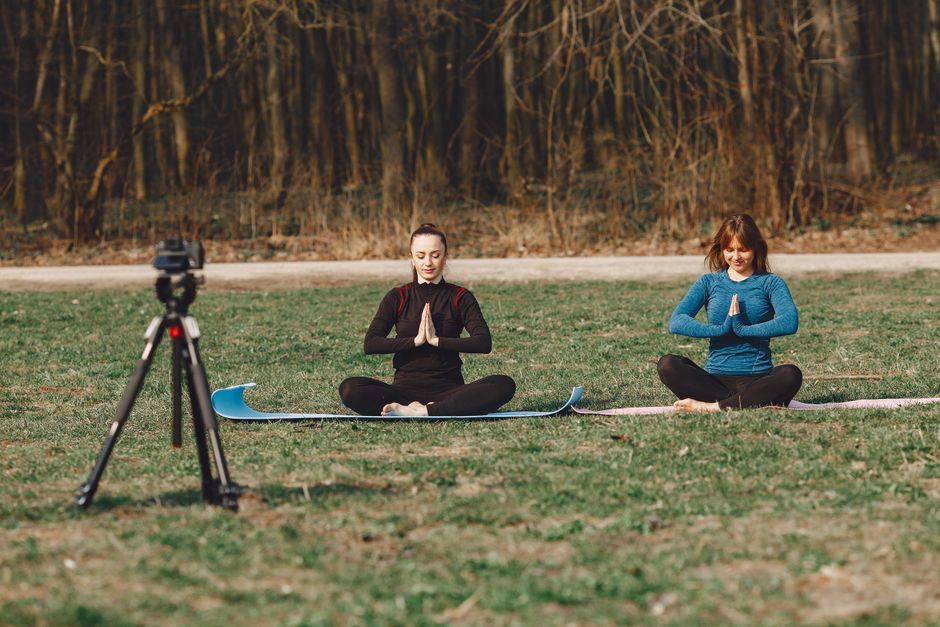
Börja med en stark hook inom de första 3 sekunderna för att fånga uppmärksamheten och sätta förväntningar på vad som följer idag. För vertikala format, håll ramen ren, med fet text och tydliga visuella element som förmedlar kärnideén vid en blick.
Riktad meddelandehantering bör fokusera på ett tydligt löfte och adressera en specifik målgruppssegment. Leverera en koncist värdeproposition inom de första 7–10 sekunderna, och guida sedan tittarna mot nästa steg. När du skräddarsyr texten för online-tittare förbättrar du engagemanget och driver leads. Detta lägger grunden för ytterligare åtgärder.
Håll redigeringen tight: klipp bort utfyllnad, ta bort långa pauser och använd snabba klipp var 2–3:e sekund. Använd påskärmstext för att förstärka nyckeltankar och alignera visuella element med din varumärkesröst, så att innehållet känns sammanhängande över kanaler.
Undertexter ökar fortfarande tillgängligheten och håller tittarna engagerade även när ljudet är avstängt. Använd tillgänglig design för att utöka räckvidden; många användare tittar utan ljud online, så undertexter hjälper till att hålla tittarna engagerade. Lägg till en tydlig uppmaning till handling som pekar på nästa steg, som att kolla en länk eller kommentera med en fråga, och testa varianter för att se vilka som ger fler uppdateringar och engagemang.
Förbered för plattforms skillnader: håll dynamisk takt för vertikala klipp, men anpassa miniatyrer och första ramen till flödet. Skapa längre klipp för tillfälligt bruk, medan du håller vertikala kortformer som standarddel i din strategi. Detta tillvägagångssätt upprätthåller publikens intresse över online-kanaler.
Upprätthåll en regelbunden rytm så att publiken vet vad de kan förvänta sig. Använd ett stadigt schema idag, med veckovisa huvudvideor och flera mikroversioner som kan återanvändas som uppdateringar över plattformar. Att erbjuda praktiska tips och underhållande ögonblick håller publiken återvändande.
Experimentera med format och mät nyckeltal: tittartid, slutföringsgrad, klick och sociala åtgärder. Prova 2–3 varianter per ämne och kontrollera prestanda veckovis, och förfina din approach kontinuerligt. Om ett koncept visar momentum, återanvänd formatet i andra delar av din katalog och fortsätt förfina ditt meddelande för optimerade resultat.
7 Praktiska Bästa Praxis för Engagerande Socialt Videoinnehåll
Hooka inom de första tre sekunderna för att stoppa scrollningen och lova en konkret fördel som den här videon kommer att leverera, och berätta sedan för tittarna exakt vad de kommer att lära sig.
Planera en tight 60–90 sekunders storyboard och förbered tillgångar i förväg för att minimera tidskrävande redigering efter inspelningen, spara minuter och hålla inlägget effektivt.
Designa för kortform och mobil visning: filma vertikalt, lägg till undertexter och landa kärnbudskapet i den första ramen så att tittare i YouTube-flöden kan engagera sig även med ljud avstängt.
Förfina meddelandehantering och uppmaning till handling: håll inläggstexten koncist, alignera meddelandet över video och undertext, och berätta för tittarna exakt vad de ska göra nästa, samtidigt som du förmedlar praktisk kunskap.
Håll redigeringen lean och snabb: använd rena klipp, matcha takten till tempot och organisera tillgångar så att du kan återanvända klipp senare. Inkludera en övningsidé för att öka engagemanget.
Mät framgång med analys: kontrollera retention, klickfrekvens och delningar, och justera formatet inom minuter; publicera ett uppföljningsinlägg som dubblar ner på beprövat värde.
Återanvänd och skala: hitta eviga tillgångar, skapa flera klipp från en enda inspelning till flöden över plattformar samtidigt som du bevarar en tydlig meddelandelina.
Definiera mål och mått för varje video (tittartid, retention, delningar)
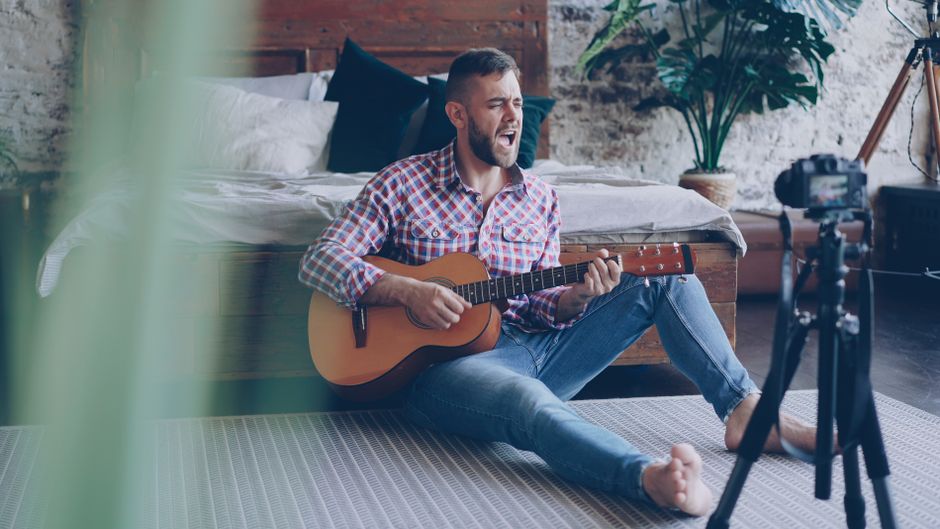
Planera att sätta ett mål per inlägg och kontrollera fem mått för att verifiera framsteg. Meddelandehantering och visuella element måste alignera med målet från början; samarbeta i brainstorming för att bygga en produktions- och publiceringsplan som löser problem för din publik och för ditt företag. Skriv rubriker som lovar utfallet och skapa visuella element som stödjer budskapet.
- Tittartid och visningslängd: Mål för genomsnittlig tittartid >= 60% av videolängden. Spåra minuter tittade och identifiera tappningspunkter; justera början, takten och visuella element för att flytta tittarna mot mitten och hålla momentum genom slutet.
- Retentionkurva: Mappa var tittarna tappar och sikta på att hålla minst 40–60% av tittarna förbi halva vägen för typiska 30–60 sekunders klipp. Använd tidiga tappningar för att förfina hooken, sekvensen och övergångarna så att mitten förblir engagerande.
- Delningar: Sätt ett delningsmålförhållande på 3–6% av tittarna. Skapa en delbar kärnidé – praktiska tips, en provocerande fråga eller en koncist femstegschecklista – som publiken känner sig tvingad att dela vidare.
- Engagemang: Sikta på 5–10% totalt engagemang per visning (gillar, kommentarer, sparanden). Uppmana till diskussion med en riktad fråga, ett djärvt påstående eller en uppmaning till handling som bjuder in tittarna att lägga till sina erfarenheter.
- Klickgenomföranden och följarpåverkan: Driv tittarna mot din profil eller relaterat innehåll; mål för 2–4% av tittarna som tar ett nästa-steg-åtgärd (följ, titta på en annan video eller besök en länkad resurs). Använd tydliga CTA:er och slutkort som förstärker nästa drag.
Efter publicering, kontrollera resultaten inom de första 24–48 timmarna och jämför dem med dina tidigare videor. Om tappningar i tittartid eller retention inträffar, revidera början och rubrikerna för att tighta löftet och alignera visuella element med meddelandehanteringen. Samarbeta med lagkamrater under brainstorming för att generera fräscha vinklar och förbättra produktionskvaliteten, och säkerställ att varje publicering bygger engagemang och flyttar publiken längs visningssökvägen.
Anpassa format till varje plattform (TikTok, Reels, Shorts) med korrekt aspektförhållande och längd
Filma varje video i en vertikal 9:16-ram för att maximera skärmfyllnaden på TikTok, Reels och Shorts. Led med ämnet i de öppnande sekunderna för att fånga uppmärksamheten och fokusera budskapet tydligt.
Längdvägledning per plattform: TikTok stödjer upp till 10 minuter; Reels tillåter upp till 90 sekunder; Shorts kör upp till 60 sekunder. För delbara klipp, sikta på 15–45 sekunder på Reels och Shorts för att öka visning och slutföringsgrader samtidigt som du håller det tight.
Håll undertexter korta och läsbara; placera nyckeltext inom den centrala 4:5-säkra ytan så att den förblir synlig på små skärmar och undviker beskärning på olika enheter.
Testa samma video över plattformar innan publicering för att bekräfta ramning och längd; justera snabbt för att undvika ominspelningar.
| Plattform | Aspektförhållande | Max längd | Tips |
|---|---|---|---|
| TikTok | 9:16 vertikal | Upp till 10 minuter | Hook i öppnande sekunder; använd undertexter och påskärmstext; utnyttja ljud |
| Reels | 9:16 vertikal | Upp till 90 sekunder | Håll text i central yta; använd funktioner som klistermärken och prompts |
| Shorts | 9:16 vertikal | Upp till 60 sekunder | Öppna med ämne; undvik vattenmärken; lägg till kapitel om möjligt |
Skapa en övertygande 3-sekunders hook som levererar omedelbart värde
Börja med en skarp, utfall-först-linje inom de första 3 sekunderna: lova ett konkret resultat som din publik kan agera på inom minuter, och visa sedan snabb bevis för att backa upp det. Alignera alltid hooken med de följande 10–15 sekunderna för att upprätthålla flödet. Denna högsta-hastighets-hook fungerar på TikTok och på din egna kanal, eftersom den svarar på en tydlig fråga och, i betydelse, ger dem omedelbart värde som de kommer att agera på.
Använd en trestegs-hook-mall som du kan lita på varje gång: Ram 1 – en fråga som knackar på en vanlig smärtpunkt (försöker du växa utan timmar av redigering?), Ram 2 – ett snabbt, visuellt resultat eller bevis, Ram 3 – en direkt fördel och ett enkelt nästa steg. Vissa skapare försöker överbelasta den första, men du bör hålla den tight: 2–3 sekunder för setup, 1–2 sekunder för bevis, 1 sekund för CTA:n. Detta kommer att prestera bättre än långa intros och ger några sätt att hålla dem på din kanal här.
Använd data för att optimera: inom de första 3 sekunderna, spåra slutföringsgrad och hur många tittare avancerar till nästa klipp. Lägg till en hög-värde-fördel och ett tydligt nästa steg för att få dem att agera, och testa tre varianter för att se vilken som presterar bäst över sätt tittare engagerar sig. Fortsätt lägga till rörelse, påskärmstext och djärva färger för att upprätthålla hjärnornas uppmärksamhet online. Detta hjälper marknadsförare att bygga konsekventa hooks på deras kanal här.
Strukturera en koncist, berättelse-driven båge: problem → lösning → slutsats
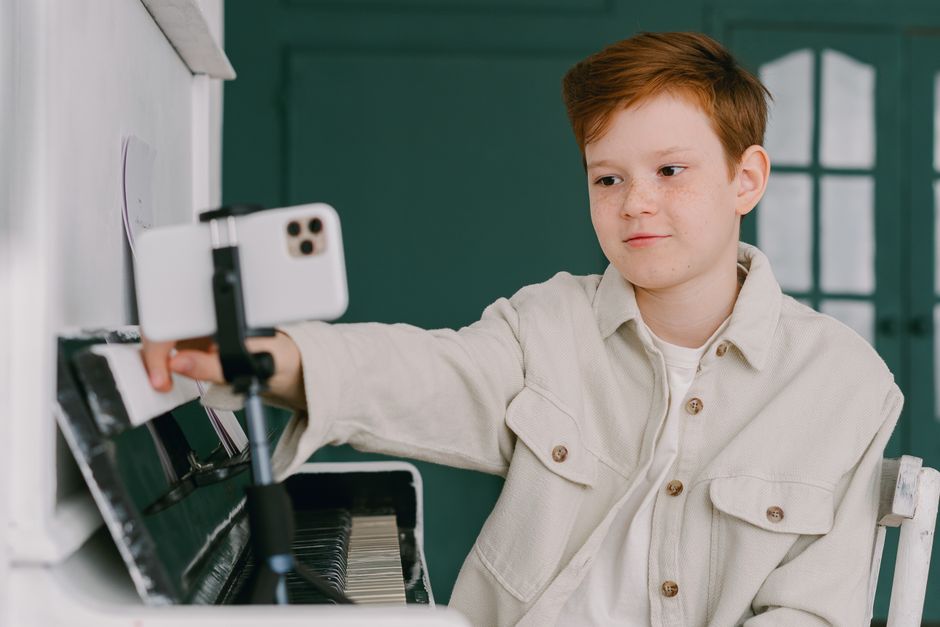
Börja med ett skarpt problemuttalande inom de första 3 sekunderna för att hooka tittaren på YouTube. Problemet visar ett grumligt ämne i vertikalt format, där publiken ser brus och tappar intresse. De försöker koppla ihop idén, men något med setupen gör ramen svår att följa, så överkomplicera inte det. Visa en konkret smärtpunkt och ett snabbt exempel de känner igen, så att de ser behovet av att fortsätta titta. Håll setupen ägd av dig, inte lånad från generiska mallar, och spendera en extra takt på ett visuellt element som bekräftar påståendet med en enda statistik. Marknadsförare vet hur man översätter smärta till handling för en bredare publik, så denna hook resonerar snabbt.
Ge en koncist lösningsbåge: skissa en konkret, upprepningsbar form som adresserar problemet. Använd ett tre-takts-flöde: problem visat → lösning demonstrerad → bevis på inverkan. Håll produktionen lean: filma i vertikalt, använd påskärmstext och visa ett utfall du kan leverera inom 30 sekunder. Använd specifika steg de kan imitera: (1) återställ fixen i en mening, (2) demonstrera i 3 snabba skott, (3) visa resultatet i en stillbild eller statistik. De kan äga dessa modeller och återanvända dem för andra ämnen. Spendera några minuter på en plan och shotlista för att hålla approachen enkel och tydlig. Jag rekommenderar att applicera denna båge på din nästa video. Den sista ramen bör leverera en tydlig uppmaning till handling: bjud in dem att prova metoden och dela sin version.
Slutsats: leverera en enda, handlingsbar slutsats som tittaren kan applicera omedelbart. Ram den som en specifik handling de kan utföra i deras eget innehåll. Säkerställ att tittaren ser konkret värde och en väg att upprepa mönstret med andra ämnen. De provar nya hooks, men denna båge håller dem alignerade och fokuserade, minskar gissningar och ökar fortfarande framgången. Den sista linjen förstärker utfallet och markerar framgång: en koncist direktiv, en mikroform och en prompt att testa i deras nästa video.
Använd undertexter och påskärmstext för att öka tillgängligheten och förståelsen
Undertexta varje video och lägg till påskärmstext för att öka tillgängligheten och förståelsen. Du kan börja med korrekta auto-undertexter och förfina dem i redigeringsstadiet för att säkerställa att informationen är tydlig över snabba scener.
Redigeringslag berättar historien med synkroniserade undertexter och lägger till framhävda ord för att förstärka kärnbudskapet. Använd en konsekvent form för undertexter och påskärmstext, och håll raderna korta för att stödja snabb visning i en full videosession på TikTok.
Dessa praxis driver prestanda: undertexter lyfter slutföringsgrader och förlänger visningssessioner, särskilt på populära format där mobila användare scrollar snabbt. På TikTok alignerar tillägg av undertexter med algoritmer som belönar engagemang, och värdet visar sig i fler intryck och längre vistelsetider. Enligt branschkällor är tittare mer benägna att stanna i en video när undertexterna är tydliga och korrekta (källa).
Håll längd och timing tight: mål för 1-2 rader per undertext, med 12-20 tecken per rad, och placera undertexter där de inte täcker ansikten. Använd en ren form med högkontrasttyp på en enfärgad bakgrund så att hjärnorna kan bearbeta information snabbt. Dessa tips fungerar för avancerade redigeringsstilar och för många skapare som vill ha snabbare resultat.
Gör undertexter till en standarddel av ditt arbetsflöde: under redigering säkerställer att lägga till undertexter tidigt i sessionen att du fångar hela kontexten och undviker att missa nyckelinformation. Denna approach erbjuder värde för varumärken och skapare genom att öka återkallelse och förtroende. Det hjälper också oavsett om du publicerar dagligen eller i längre format, och det förbättrar medvetenhet, värde och prestanda bland användare.
Spåra mått för att förfina din approach: slutföringsgrad, genomsnittlig tittartid och scrollbeteende. Dessa siffror berättar vad som fungerar på populära plattformar och hjälper dig att optimera längd, formatering och timing för att lägga till undertexter över sektioner och format.
Optimera visuella element, takt, miniatyrer och CTA:er för att förbättra CTR och engagemang
Börja med en snabb, första 3-sekunders hook som svarar på tittarpublikens fråga och ger en tydlig anledning att stanna, så att hörandet av ditt löfte är omedelbart.
Där, säkerställ öppna visuella element i en djärv vertikal ram, med högkontrastfärger och läsbar påskärmstext som läses väl i flöden under visning.
Visuella element: skapa otroligt tydliga miniatyrer som visar ett människansikte eller produktnyckel, plus en endaradig fördel och ditt varumärke för att öka igenkänningen; håll produktionsvärdet högt och professionellt för att bygga förtroende.
Takt: skiva innehållet i snabba 4–6 sekunders block, byt in snabba undertexter och ta bort smuts från ramen för att hålla tydligheten medan de som tittar scrollar; detta driver framgång.
Miniatyrtester: nedan bör du testa tre varianter – känsla, värde och produktvinkel – och välja den som driver högsta CTR.
CTA:er: placera en tydlig CTA tidigt (0–10 sekunder) och igen vid slutkortet; använd ett direkt handlingsverb för att minska friktion och öka engagemang, med en endastegs-fråga.
Hashtags och räckvidd: marknadsförare som tittar kan använda riktade hashtags för att växa din potentiella inläggsräckvidd; om du siktar på att växa, para dem med koncisa undertexter och en utgiftsplan som testar flera kopialternativ.
Mätning och källa: spåra CTR, visningstid och engagemangssignaler; vanliga benchmarks finns nedan, och algoritmerna anpassar sig till din kreativa input; källa till vägledning är algoritmerna.
📚 Mer om Sociala Medier-Marknadsföring
- Hur du Skapar en Sociala Medier-Innehållskalender som Faktiskt Sparar Dig Tid - En Steg-för-Steg-Guide
- Vetenskapen Bakom Viralt Sociala Medier-Innehåll - Hur du Skapar Inlägg som Dela Sig
- 15 Typer av Sociala Medier-Innehåll att Prova 2026
- För- och Nackdelar med Sociala Medier - Fördelar, Risker och Bästa Praxis
- 28 Essentiella Sociala Medier-Verktyg Varje Innehållsskapare Behöver
Skicka en kort förfrågan
Beskriv webbplats, mål, målgrupp och budget för ett förslag.


