Prompts for Content Planning - Create an Effective Content Calendar

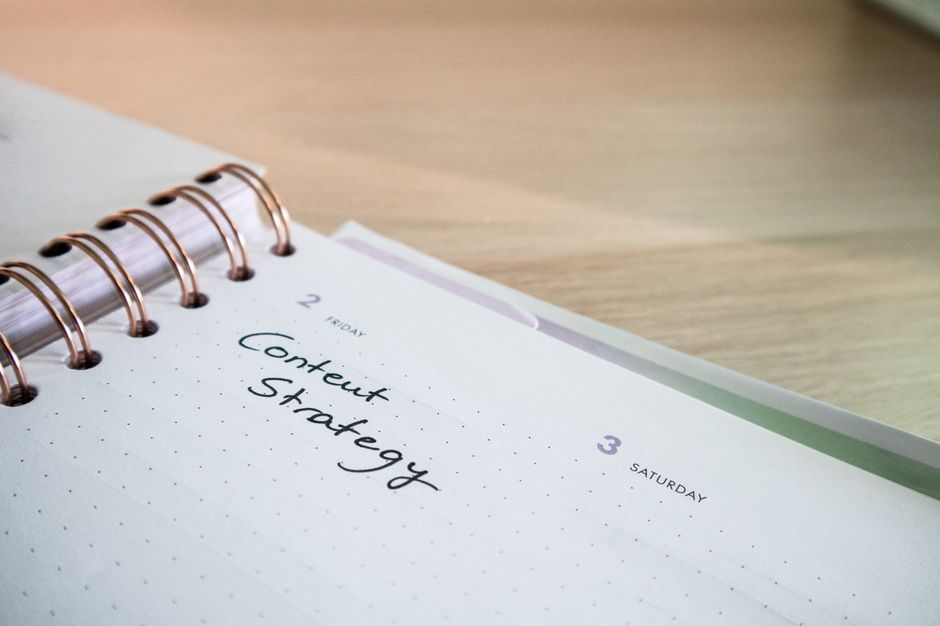
First, craft a prompt that your team can reuse to define your audience, channels, and cadence. The prompt clearly describes your audience and the outcomes you aim to achieve with each post, aligning efforts across the team. Clear prompts are essential for consistency and speed, especially when multiple authors work on a single calendar.
Set a consistent format for planning: pillars, topics, formats, and deadlines. Use the format to align writers, designers, and editors across platforms, and keep a single reference point for every quarter that reflects team priorities. Include a lightweight tag for payments, approvals, and budget notes to keep finances visible.
Let AI generate the first draft of outlines, focusing on value hooks and clear CTAs. Then a human reviewer refines tone and ensures factual accuracy before publishing.
Encourage input in comments from teammates and stakeholders, then map each idea to facts and data points. This keeps the content anchored in real goals and measurable outcomes.
Build a toolkit: generate ready-made prompts to create a unique blog post content, and share them with your community of writers. Rely on models and tools to scale planning while keeping tone and format consistent.
Prompts for Content Planning: Create a Practical Content Calendar – Where and How to Use
Start with a weekly theme map and assign owners for every publication to keep momentum and avoid gaps.
Use a tool that you can share across teams, whether a calendar, a doc, or a project board, and tie it to publishing channels: blogs, social posts, newsletters, and in-app announcements. This helps you see where each piece fits and what readers will encounter in the coming days.
Define topics that match user needs; write a concise description for each item and attach a measurable result to each item. When drafting, use AI to generate initial ideas; give final edits to a human reviewer before publication to ensure user protection and policy compliance.
Plan the cadence: lay out a week with clear windows for drafts, reviews, and publication; include a Friday review to prune topics that underperform and adjust the next cycle. Keep the calendar updated with updates and any promotions you run to align campaigns.
Place the calendar in a shared location where teams can add notes and attach resources. Ensure protection of user data by redacting PII and using privacy-friendly placeholders in drafts.
Prompts to guide creation: For each topic, outline the goal, the format, the channel, the audience, and the CTA; list ready assets to attach; estimate the expected result from each publication.
While you implement, collect quick feedback from teammates and adjust the next cycle to improve results.
Where to use the content calendar
Place the calendar in a common workspace accessible by writers, designers, product managers, and the social team. Use it to plan publications across channels, coordinate promotions and updates, and align with our weekly goals. Start with a Friday review to refresh topics and to discover ideas that resonate with users. Maintain protection by keeping drafts free of unnecessary personal data and by applying clear review rules.
Practical prompts to start creating
Prompts to jump-start creation: For the topic, describe the audience and their problem; specify channel and format; write a brief description and a strong CTA; attach ready-made visuals and copy blocks; set a publication date and owner and note the expected result.
Topic Ideation Prompts: Quick Ways to Generate Relevant Content Ideas
Begin with a 15-minute ideation sprint: generate five topic ideas by scanning recent publications and audience comments, then validate them against your content plan. Use openai or a neural network to surface angles that resonate on Instagram and in web design projects. Capture the best ideas with a concrete title, a target format, and a rough deadline.
Use a conversational approach: ask a few quick questions like "What problem keeps the audience up at night?" and capture the responses in a shared doc. Turn those answers into 3-5 publication ideas, from short posts to longer guides, and tag each item with intent and keywords to improve searchability.
For each idea, map to a format and channel plan: carousel, video, checklist, or long post. Align with Instagram and other platforms, and keep a lightweight content plan so teammates know what to create and by when.
Collect facts from surveys, comments, and benchmarks, then validate with 2 quick tests before a full production push. Record the results in a simple dashboard and use it to refine future ideas; repeat the cycle weekly to keep content fresh.
Optimize with networks by inviting teammates and partners to brainstorm, and solicit feedback through a quick form. Consider a small discount to encourage feedback on draft ideas, then adjust based on what you learn. Emphasize the importance of relevance, clarity, and actionable takeaways in every piece.
Ready-to-use prompts: generate a 3-topic bundle for a 5-post arc on a niche; include facts, a format mix, and a call-to-action. Example prompts: "Create a post about [topic] for Instagram in a carousel format with 5 slides," "List factors that affect decision-making in web design and cite 3 facts," "Draft a conversational script that turns audience questions into 4 short posts."
Audience, Persona, and Channel Prompts: Align Topics with Platforms
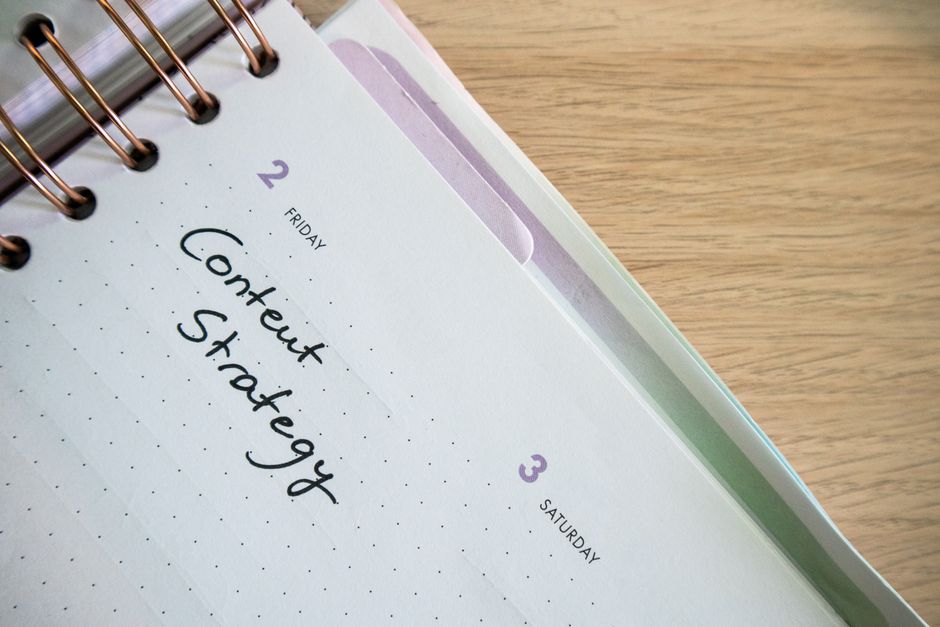
Recommendation: map topics to platforms by pairing three audience segments with concrete personas and primary channels, then tailor each topic format accordingly.
Audience and Persona Prompts
- Define three segments and translate each into a persona with goals, pain points, and preferred formats; specify required information for each persona and plan posts that match their needs.
- Assign a primary channel per persona based on behavior data, then outline visual color schemes and web design elements that reinforce the message across touchpoints.
- Craft messages around the services offered, including a clear CTA like "register" for relevant events, and note how posts should reflect each persona's expectations.
- use prompts to generate new topics with a neural approach; specify prompts that can generate content ideas for the next month and align with the target audience's needs.
- Include practical formats such as a concise informational piece and a photo report that demonstrates outcomes, with captions that reference the audience's interests and a simple behind-the-scenes photo to humanize the brand.
- Outline a framework for protecting user data and privacy in all audience interactions, ensuring compliance while maintaining trust across channels.
Channel Prompts
- For each channel, map formats that fit the platform: a promotional post for awareness on social feeds, a short informational post for newsletters, and a detailed deck for webinars aimed at professionals.
- Create a channel-specific cadence: weekly promotional posts on social, monthly informational newsletters, and quarterly presentations that summarize results and upcoming features in a cohesive narrative.
- Use visuals with a consistent color palette and a photography approach to maintain brand recognition; incorporate a summary block in each post to boost audience retention.
- Incorporate a paid boost strategy with clear ROAS targets, aligning sponsored content with the most engaged personas and ensuring protection of audience data during promotion.
- Promote interactive formats: a short promotional post that invites users to register for a live Q&A, a face-to-face or virtual workshop, and a follow-up photo report that captures key insights and attendee feedback.
- Document success with a concise lunch-break behind-the-scenes clip (video) and a quick summary slide deck (presentation) to demonstrate realtime impact, then translate findings into new topics (topics) for the next cycle.
Cadence and Scheduling Prompts: Define Publication Rhythm for Your Calendar
Set a fixed cadence: publish three posts per week on Monday, Wednesday, and Friday at 9:30 AM local time, with a 60-minute buffer for review. Use yandexgpt to draft and polish. This cadence supports product promotion and keeps attention steady for families (families) interested in cafe topics (cafe). It provides blog-post opportunities and ensures source of ideas with ready prompts that work across variants; you always get a prompt that inspires blog content and keeps the calendar consistently active.
Define prompts for the system with a simple structure: specify which blog-post, for which audience, and the intended outcome. Include a motivational prompt to the system (prompt) that yields blog-post drafts and a concise outline. Emphasize quick turnarounds (fast) and repeatable formats so that you consistently obtain ready texts that match the brand tone and reader expectations. This approach also helps with topic management and keeps the team focused on priorities.
Cadence Prompts Overview
| Cadence | Example Prompt | Publish Window | Notes |
|---|---|---|---|
| Daily quick | Draft a 250–350 word blog-post outline for today; incorporate a motivational prompt and provide a clear CTA. Include mention of data source. | 9:30 AM local time; 30–45 min writing | Great for fast turns and testing angles. |
| Weekly deep-dive | Produce a 1,000–1,200 word blog-post with examples, 2–3 case studies, and reader angle for families (families) who are interested in product promotion. Cite data source. | Midweek window; 90–120 min | Structured for SEO and long-form engagement. |
| Monthly roundup | Summarize the month, list 5 key takeaways, include lessons learned, and link to the sourced material (source) that informed the decisions. | End of month; 120 min | Showcases progress and informs upcoming plans. |
Use the table as a living guide: adjust times, prompts, and topics based on engagement metrics and seasonal themes. Start with three steady rhythms, then tune each prompt to align with your product line and audience needs, ensuring that your blog-post cadence remains reliable and scalable.
Tools and monitoring help you optimize over time. Use YandexGPT for drafts, and keep a running source of examples for quick idea collection. Track click-through-rate, comments, and shares, and iterate prompts to improve response quality and relevance. This setup keeps attention focused on what resonates, whether you run a kiosk café or online brand, and it helps you get greater response from each publication.
Workflow and Ownership Prompts: Assign Roles, Responsibilities, and Deadlines
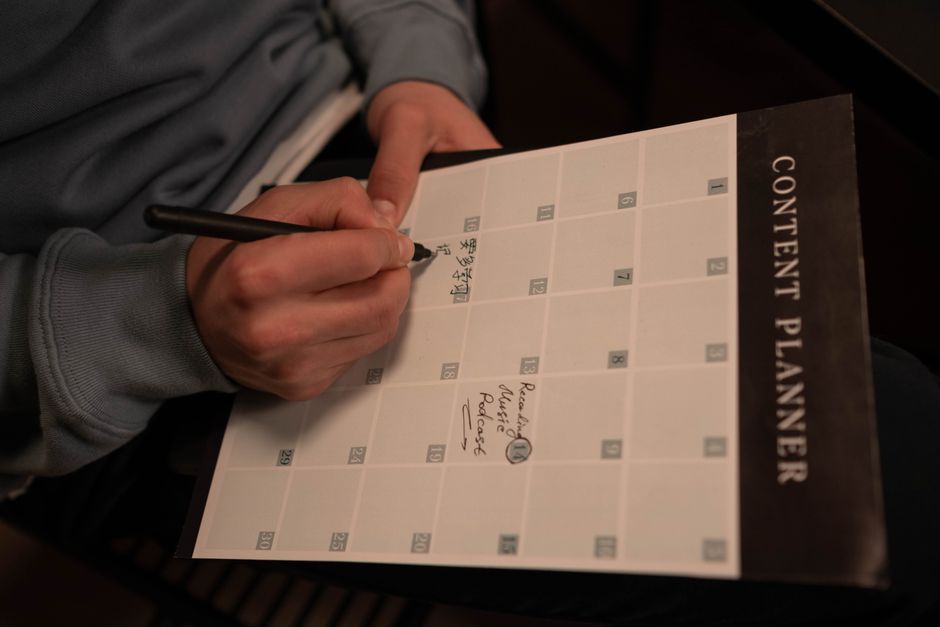
Assign a single owner for each content item and lock in deadlines on a shared calendar. Designate Content Lead as the topic owner, Writer who drafts, Editor who polishes, Designer for visuals, and Social Manager who schedules posts. For each piece, set a draft deadline, an edit deadline, and a publish deadline. Schedule a Friday checkpoint to confirm topic readiness for the coming week.
Use prompts that drive clarity: Who is Responsible, who is Accountable, who should be Consulted, and who needs to be Informed? Include concrete metrics and acceptance criteria. Allocate time blocks: research and analysis, outline and draft, edits and revisions, and final handoff. In distributed teams, note dependencies with other teams, and document hand-offs in a shared spec.
Prompts by role help keep accountability explicit. For Content Lead, define topics and align with business needs. For Writer, deliver a draft within time, using a clear style. For Editor, verify facts and logic and apply revisions. For Designer, produce visuals that match the style. For Social Manager, plan Instagram posts and the publication schedule for social media. For Analyst, track metrics and suggest adjustments.
Cadence and communication keep momentum steady. Hold a brief standup midweek and a 15-minute Friday review to approve upcoming topics. Use a shared doc for handoffs rather than manual emails; if teams are small, align on a lightweight checklist in the doc. Keep the kitchen alive by testing ideas against needs and events, ensuring each piece supports health and growth of campaigns in health-focused topics on instagram and other channels.
Practical tips to implement today: create a one-page brief template for each item, assign owners, and lock dates in the calendar. Attach acceptance criteria and a quick review checklist, and set reminders in the calendar plus a manual nudge (manual) for critical steps. Tailor topics to needs of young audiences, maintain health, and keep instagram and other social networks active with consistent formats and style. time,constantly,offering,work,independently,analysis,young,choice,needs,facts,events,other,kitchen,want,importance,companies,topics,others,now,this,style,friday,give,instagram,health,social networks,manual
Seasonality and Campaign Prompts: Plan Seasonal Content and Reusable Themes
Lock a 12-week season plan and maintain a reusable list of prompts that align with seasons and campaigns to ensure consistency across option channels and networks. gemini helps generate variations while you keep control over our special tone and messaging for audiences. This framework supports simple integration with services and allows communication with our audience more effectively.
- Seasonal windows and product alignment
- Spring: emphasize renewal; prompts include: "Describe how the product supports Spring kitchen routines" and "Create a post with photos of the product in a bright kitchen to convey freshness."
- Summer: focus on service and outdoor use; prompts: "Show the product in a sunny outdoor setting" and "Share a short testimonial from testers in the audience about summer use."
- Fall: lean into cozy routines and gifts; prompts: "Explain how to fit the product into a busy back-to-school schedule" and "Produce a gallery with photos of the product in cozy spaces."
- Winter/Holiday: gift-focused campaigns; prompts: "Offer a gift-guide-style post featuring the product" and "Provide a behind-the-scenes look at the service team preparing special offers."
- Reusable themes and tone guidelines
- Core themes: Sustainability, Efficiency, Joyful routines, Quick wins, Community, Expertise. For each theme, define a brief description and 2-3 caption options that align with tone and platform requirements. This approach ensures consistent messaging across channels.
- Format and options: keep headings concise, balance long-form guidance with short captions, and tailor messages for audience segments. The lists and carousel cards are an advantage for our service.
- Communication discipline: engage with the audience through regular content selections, gathering feedback and weaving it into subsequent Prompts. These steps give us the ability to offer more relevant ideas.
- Prompts structure and examples
- Templates: Story prompt, How-to prompt, Customer-spotlight, FAQ prompt. Use gemini to generate 3-4 variants per prompt and select the best fit for a specific network. These options give our team the ability to offer new angles.
- Examples:
- Example 1 – Spring Kitchen Makeover: caption with a friendly CTA; include feedback from the audience and use photos of our product in the kitchen to convey freshness.
- Example 2 – Summer Service Snippet: quick how-to with 3 steps and a visual grid; emphasize service and practical tips in a tone that resonates with audiences.
- Operational tips
- Create a task list per season; assign owner and deadline; review prompts before quarter begins.
- Track performance: engagement, saves, shares, CTR; optimize prompts monthly; collect feedback from audiences and feed findings into an updated list.
- Collaborative cadence: plan short meetings to discuss new ideas so the team can give and suggest new approaches in upcoming releases.
Analytics, Review, and Optimization Prompts: Use Data to Improve the Calendar
Set a weekly data review on Mondays and adjust the calendar for the upcoming week based on the last seven days' metrics. To create this workflow, build a lightweight data cockpit and use it independently, with a simple spreadsheet or dashboard. Track impressions, CTR, saves, comments, and conversions by topic and format, and ensure the data covers each month of the plan. Update every week to keep the calendar aligned with real results.
Analytics prompts: Run an analysis to produce an overview of performance by topic and format. Break out results by channel and by content type (text, photo, video). Calculate metrics such as engagement rate, saves, comments, CTR, and conversions. If you have data from created materials or the site, segment by source and time of day. Use a neural network to forecast weekly totals and propose scenarios for the months ahead. Include a video tutorial with concrete steps to reproduce these prompts in your tool.
Review workflow: For each review, verify data consistency, flag any data outliers, and confirm the sample covers all channels. Note discrepancies between site data and social metrics, and document decisions in a photo report with captions and annotated screenshots, which improves convenience for further analysis.
Optimization prompts: Based on findings, propose adjustments to the process, schedule, and content mix. If analysis shows that furniture-related posts underperform, test more photography and examples with family themes and shift the calendar to prioritize visual content with photos. Suggest publishing times and formats that maximize reach and engagement, and outline concrete steps to implement the changes in the process for the upcoming week.
Examples of prompts you can run include: Analyze engagement by topic and format, then propose two new topics for the next month. Compare site posts vs. social posts to identify which channel drives more clicks to the site, and forecast the impact of adding a video-tutorial slot. Generate a photo report with before/after metrics and annotate which prompts yielded the best results. Use the neural model to simulate scenarios for family content and furniture topics, then adjust the calendar accordingly.
📚 More on AI Generation & Prompts
- How to Write Clear AI Prompts for Content Marketing - Best Practices
- Transform Your Prompts into Viral Videos with Veo3 - The Ultimate Guide to Creating Share-Worthy Content
- How to Create Product-to-Video Content with Veo3 in FluxProWeb AI - A Step-by-Step Guide
- ChatGPT for SEO - 12 Prompts to Generate Content and Tackle Other SEO Tasks
- Top 12 ChatGPT Prompts - Best Strategies for Creating Engaging, Unique Content
Send a brief enquiry
Describe your website, goals, audience and budget so we can discuss a proposal.


